P3
Chap 2 Panel Illustration
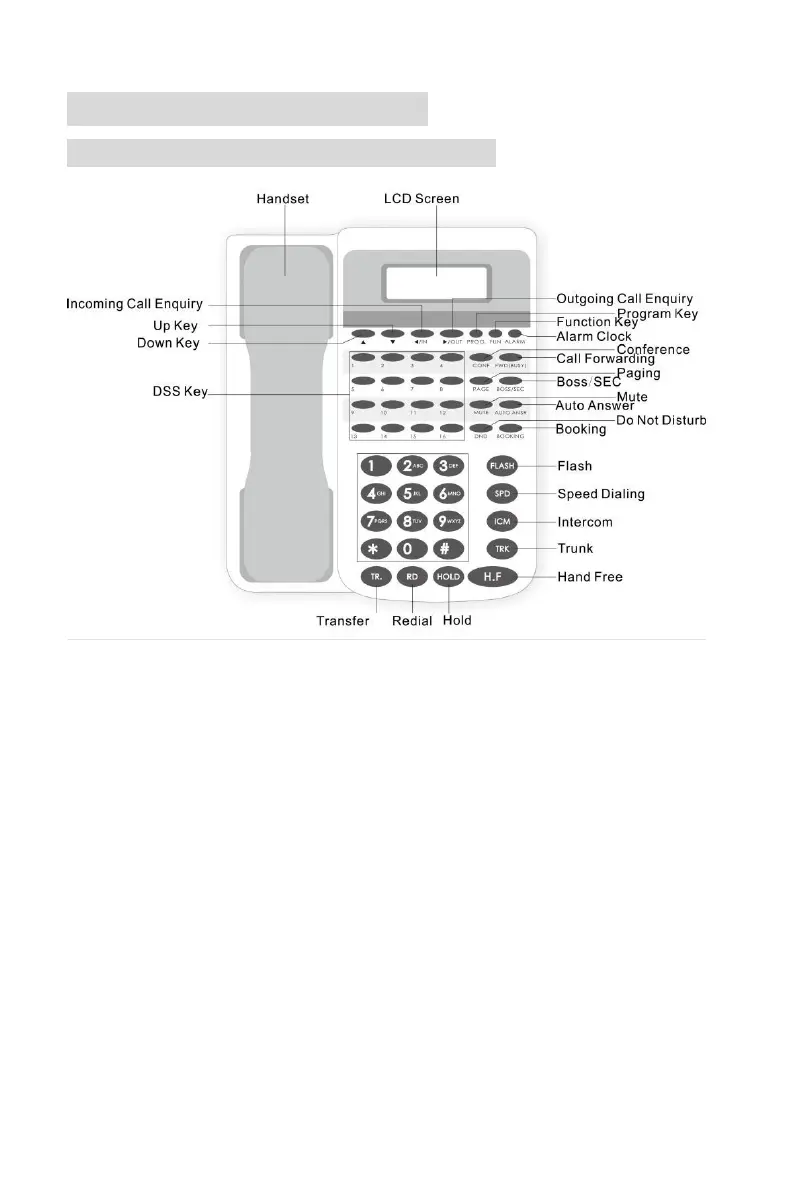
2.1. Shortcut key Definition for PH202
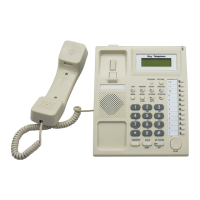
(PH202 Outlook)
1. DSS: Direct Station Selection keys, PH202 with 16 DSS keys, on default,
DSS1 -12 corresponding to CO line 1-12, DSS 13-16 corresponding to Ext port
1-4. On hook status, press DSS key, to call corresponding extension or access
corresponding CO line.
2. Direction key: used to configure parameter. On hook status, the left and right
arrow key are used for entering incoming/outgoing call query interface, the up
arrow key is used for adjusting ring volume, the down arrow key is used for
adjusting speaker volume
3. PROG: enter menu setting interface, including using setting, programming,
DSS setting, Speed Dialing setting, press H.F key to exit menu.
4. FUN: fast enter operator setting, equal to the operation of off hook + #, end
with H.F key
5. ALARM: set the alarm clock



 To Next Page