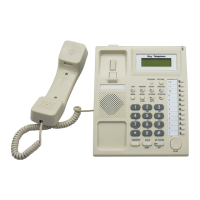
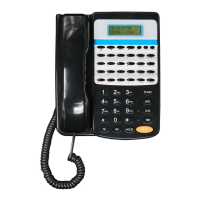
P15
Chap 5 Using Setting
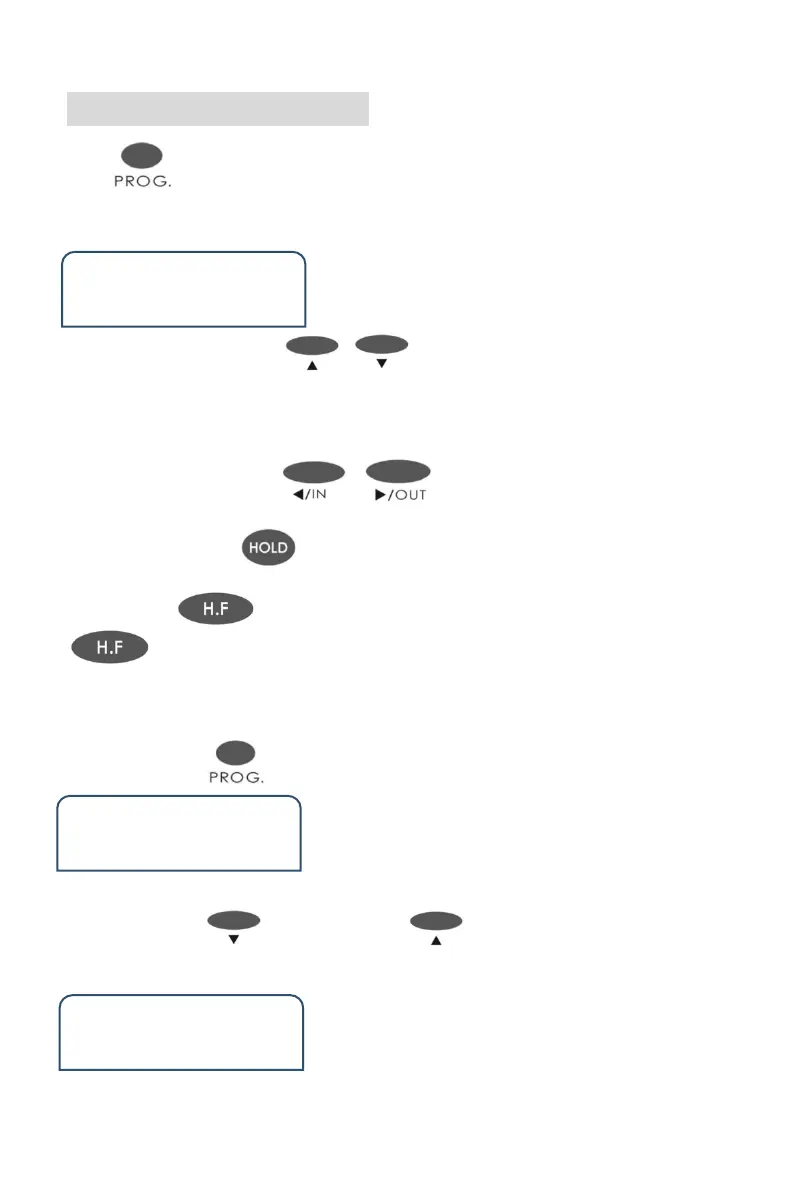
Press one time, then system will enter USING SETTING status. LCD
shows as follow :
User Set
Language
1)You can press the key or to select the items .Like “Language”,
“Backlight Setting”, “Ext Ring”, “CO.Ring”, “Door phone Ring”, “Alarm Ring”,
“System Query “ , “ Reset Keyphone” etc.
2)You can press the key or to set the selected item.
Eg.: when you select “ Language ”, you can select English ,Italiano,Turkish,中
文.After finish, press to save
3)Pressing one time ,will back to the current status . And pressing
twice , will back to home page.
Take an example for how to set the 16 DSS keys corresponding to CO line
◆ Step 1: Press one time and enter setting status .
User Set
Language
◆ Step 2: Press 7 times or press one time .Show as below:
User Set
Reset Keyphone


 To Next Page