EasyManua.ls Logo

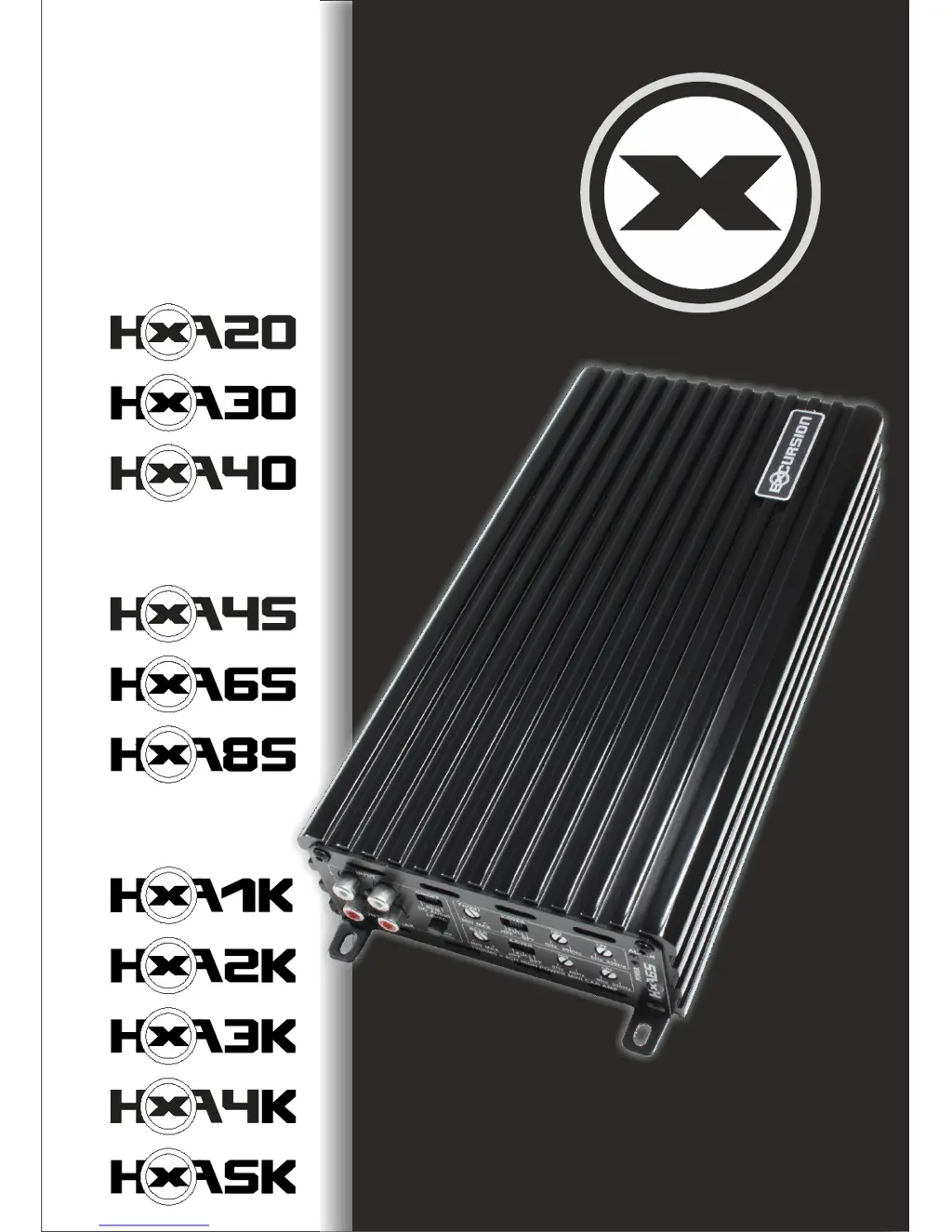
EXCURSION HXA2K - User Manual

Default Icon
16 pages
Print Icon
To Next Page IconTo Next Page
Loading...
HXA AMPLIFIER SERIESHIGH POWER
...is all you need

Other manuals for EXCURSION HXA2K

Questions and Answers

Summary

HXA Specifications

Dimensions

Physical dimensions of the HXA amplifier models.

Front Panel Layout

4-Channel Amplifier Front Panel Layout

Diagram showing the front panel controls and connections for the 4-channel amplifier.

2-Channel Amplifier Front Panel Layout

Diagram showing the front panel controls and connections for the 2-channel amplifier.

Mono Amplifier Front Panel Layout

Diagram showing the front panel controls and connections for the mono amplifier.

Rear Panel Layout

4-Channel Amplifier Rear Panel Layout

Diagram showing the rear panel connections for the 4-channel amplifier.

2-Channel Amplifier Rear Panel Layout

Diagram showing the rear panel connections for the 2-channel amplifier.

Mono Amplifier Rear Panel Layout

Diagram showing the rear panel connections for the mono amplifier.

Control Functions

RCA Audio Input

Description of RCA input jacks for low or high level signals.

Input Mode Switch

Selects between Low Level (0.2-5.0V) and High Level (0.5-15V) signal inputs.

Turn On;Off Mode Switch

Options for automatic or remote turn-on via DC, audio signal, or REM terminal.

Gain Control

Matches amplifier sensitivity to the source unit's signal voltage.

X-Over Mode Switch

Selects filter modes: HPF, FULL (fullrange), or BPF.

High Pass Filter Control

Adjusts the crossover point for cutting low frequencies.

Low Pass Filter Control

Adjusts the crossover point for cutting high frequencies.

RCA Audio Output

Provides RCA output jacks for routing audio to other amplifiers.

Bridge In; Bridge Out

Connects to another amplifier for bridging configurations.

Remote - Bass Level Control

Optional remote control for adjusting bass level.

Bass Boost

Adjusts the 45Hz signal boost level from 0 up to 12dB.

Power Indicator

LED indicator for amplifier operational status and malfunctions.

Alarm Indicator

LED indicator for detected faults or protection shutdown.

Speaker Terminals

Terminals for connecting speakers with proper polarity.

(+)12 Volt Battery Terminal

Terminal for connecting the positive (+) battery cable, with fuse.

REM Terminal

Connects to headunit remote output for amplifier turn-on/off.

GND Terminal

Terminal for connecting the ground cable to the vehicle frame.

Wiring Diagrams

HXA 45; HXA 65; HXA 85 Wiring (4 Channel Mode)

Diagram illustrating the wiring connections for 4-channel mode.

HXA 45; HXA 65; HXA 85 Wiring (3 Channel Mode)

Diagram illustrating the wiring connections for 3-channel mode.

HXA 20; HXA 30; HXA 40 Wiring (2 Channel Mode)

Diagram illustrating the wiring connections for 2-channel mode.

HXA 20; HXA 30; HXA 40 Wiring (1 Channel Mode)

Diagram illustrating the wiring connections for 1-channel mode.

HXA 1 K; HXA 2 K; HXA 3 K; HXA 4 K; HXA 5 K Wiring (1 Channel Mode)

Diagram for connecting mono amplifiers in 1-channel mode.

HXA 1 K; HXA 2 K; HXA 3 K; HXA 4 K; HXA 5 K Wiring (2 Amplifier BRIDGE Mode)

Diagram for connecting mono amplifiers in 2-amplifier bridge mode.

Trouble Shooting

Troubleshooting Guide

Table listing symptoms, possible remedies, and common issues.

HXA Amplifier Features

Key features and benefits of the HXA amplifier series.

Excursion Limited Warranty Policy

Warranty Terms and Conditions

Details on warranty period, coverage, and exclusions.

Return Authorization Process

Instructions for returning products for service or repair.

EXCURSION HXA2K Specifications

General IconGeneral
BrandEXCURSION
ModelHXA2K
CategoryAmplifier
LanguageEnglish

Related product manuals