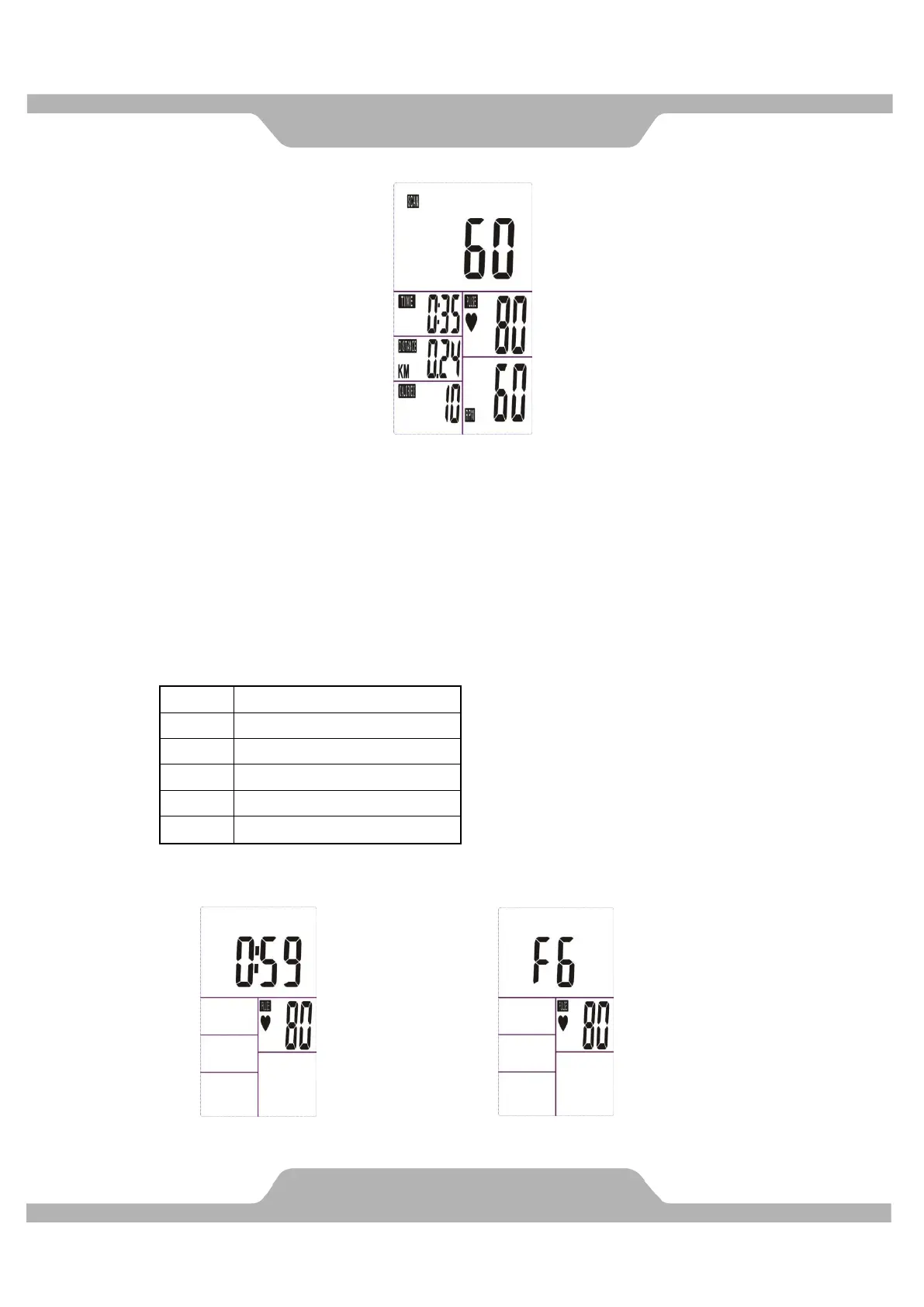
5. You can also press “MODE” button to select single function display except RPM &
SPEED function. The RPM & SPEED function will switch display.
6. RECOVERY:
(1)When the user presses “RECOVERY” button, the RECOVERY function is active.
At this time only PULSE and TIME is working, other functions will not be displayed,
and the Sensor Input is not available. TIME starts to count down from ”0:60”, Pulse
signal will be blinking according user’s heart rate BPM. When Time counts down to
“0”, it will show F1~F6.
(F1 is the best, F6 is the worst)
(2)LCD display as follows: (RECOVERY start condition & end condition)。



 To Next Page