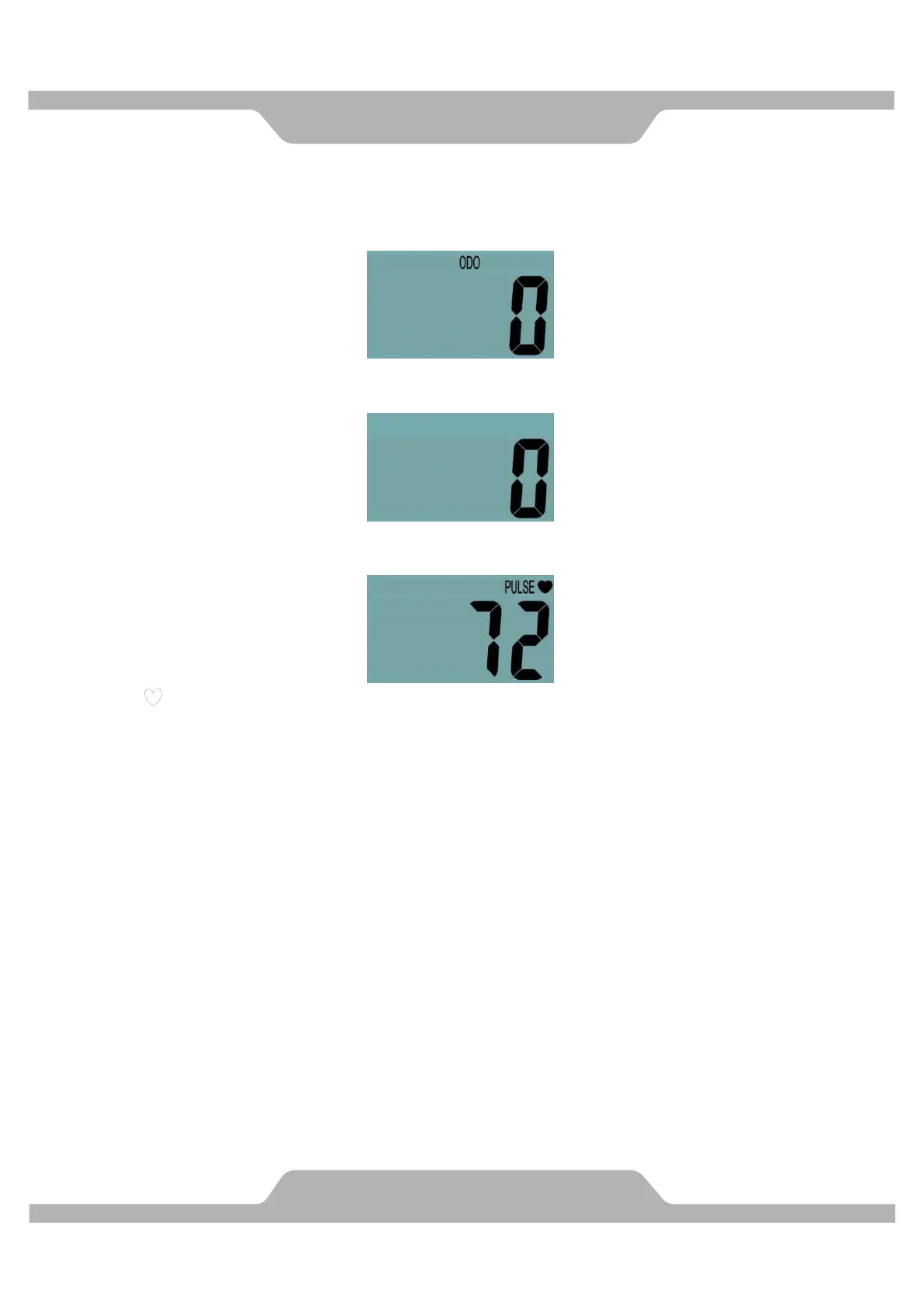
CAL (CALORIES): Displays the total accumulated calories burned during workout. (This
data is a rough guide for comparison of different exercise sessions and should not be used
in medical treatment).
ODO (ODOMETER): Displays the total accumulative distance traveled.
RPM (Revolutions per Minute): Displays the current revolutions per minute.
PULSE : Displays your current heart rate figures after you grip the handlebar sensors with
both your hands during exercise. To ensure the pulse readout is more precise, please
always hold on to the handlebar grip sensors with two hands instead of just with one hand
only when you try to test your heart rate figures.
HOW TO INSTALL THE BATTERIES:
1. Remove the battery cover on the back of the computer.
2. Place two size AAA batteries into the battery housing.
3. Insure batteries are correctly positioned and battery springs are in proper contact with
batteries.
4. Re-install the battery cover.
5. If the display is illegible or only partial segment appears, remove batteries and wait 15
seconds before reinstalling.



 To Next Page