EasyManua.ls Logo

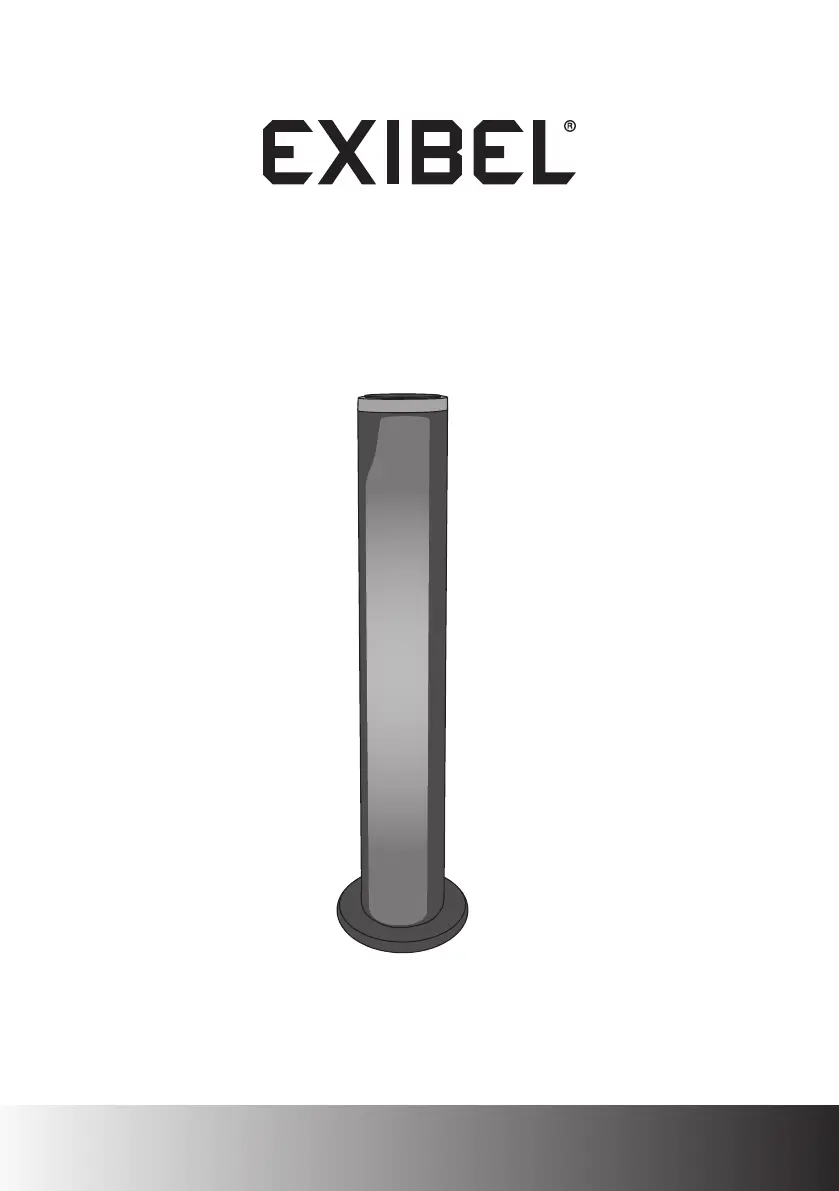
Exibel BTX1500 - User Manual

Exibel BTX1500
36 pages
Print Icon
To Next Page IconTo Next Page
Loading...
Högtalare BTX1500 · BTX1500 høyttaler
Kaiutin BTX1500 · Lautsprecher BTX1500
Ver. 20170706
English 3
Svenska 9
Norsk 15
Suomi 21
Deutsch 27
BTX1500 Speaker
Art.no. Model
18-8473, 38-7308 BTX1500

Questions and Answers

  • J
    judy33Aug 1, 2025
    What to do if there is no sound from connected device on Exibel BTX1500?
    • M
      Mr. Randall Brown Jr.Aug 1, 2025
      If you're not getting any sound from your connected device through the Exibel speakers, here are a few things to try: * First, check the volume levels on both the speaker and the device. * Make sure the mute function isn't activated. * Ensure the audio cable is properly connected and not damaged. * Verify that AUX is selected as the playback mode. * Confirm that the Bluetooth/NFC connection is working correctly. * Test the external device with another speaker to ensure it works. * Try playing a different file, as the current one might be corrupted. * Unplug the speaker from the wall, then plug it back in. * Turn off other wireless devices to rule out interference. * Reposition wireless equipment to reduce interference.
  • D
    David GallagherAug 17, 2025
    How to fix Exibel BTX1500 that will not switch on?
    • G
      Gregory JacobsAug 17, 2025
      If your Exibel speaker isn't turning on, try the following: * Make sure the mains lead is undamaged and securely connected to the wall socket. * Check that the wall socket is live. * Ensure the speaker is within the remote control's range (5 m). * Point the remote control directly at the speaker. * Check if the battery in the remote control is flat.

Summary

Safety

Product Controls and Functions

Speaker Interface Overview

Detailed description of buttons and LED indicators on the speaker unit.

Remote Control Operation

Remote Control Button Functions

Explanation of all buttons and their operations on the remote control.

Remote Control Battery Management

Instructions for battery replacement and maintenance of the remote control.

Assembly and Operation

Speaker Assembly

Step-by-step guide for the physical assembly of the speaker.

Basic Operating Instructions

Basic steps to turn the speaker on, off, and select modes.

Playback Modes

Bluetooth Playback Setup

How to connect and play audio from devices via Bluetooth.

AUX Input Playback

Instructions for connecting and playing audio using the AUX input.

NFC Device Pairing

Guide to connecting devices using NFC for simplified pairing.

Advanced Features and Care

Light Effects Control

How to customize and control the speaker's light effects.

Care and Maintenance Guidelines

Guidelines for cleaning and storing the speaker properly.

Product Specifications

Technical details including power, range, and operating conditions.

Troubleshooting Guide

Speaker Power Issues

Solutions for problems related to the speaker not turning on.

Audio Playback Problems

Troubleshooting steps for no sound or poor audio quality.

Connectivity Troubleshooting

Resolving issues with AUX, Bluetooth, and NFC connections.

Exibel BTX1500 Specifications

General IconGeneral
BrandExibel
ModelBTX1500
CategorySpeakers
LanguageEnglish

Related product manuals