EasyManua.ls Logo

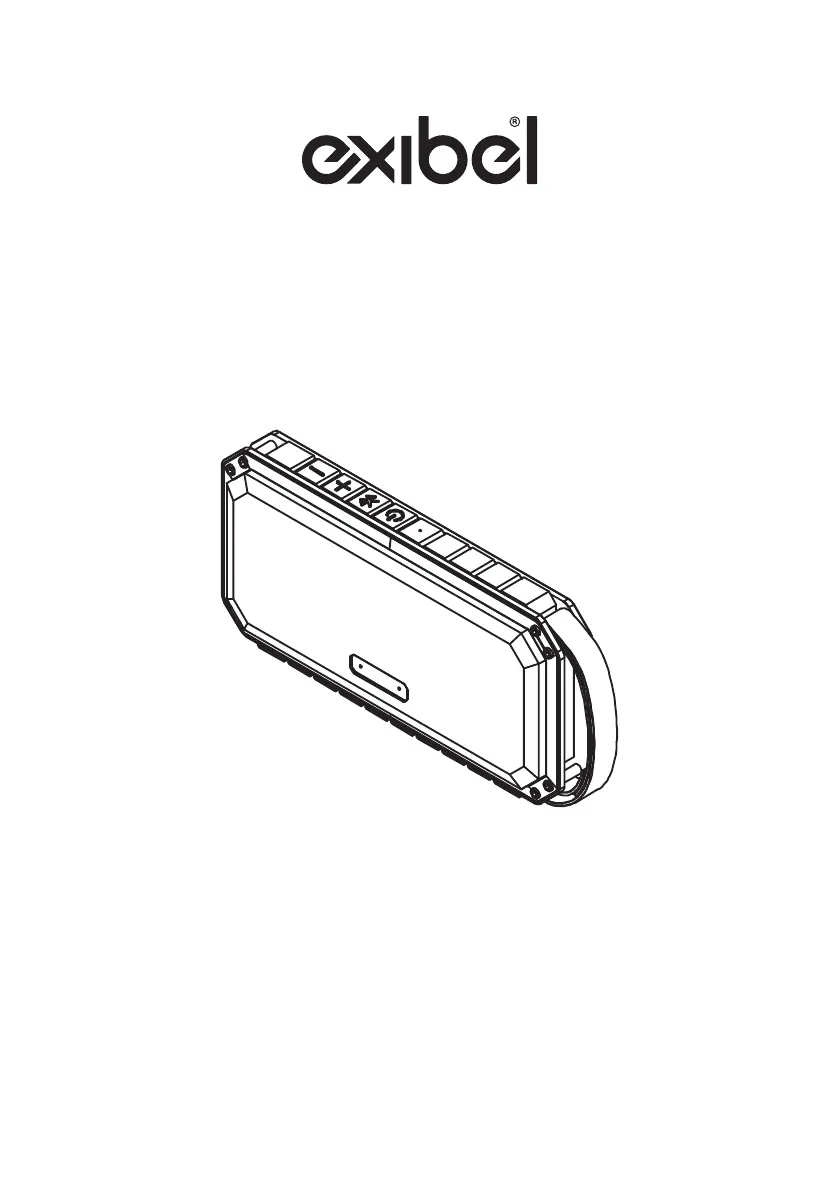
Exibel BX210/X3 - User Manual

Exibel BX210/X3
28 pages
Print Icon
To Next Page IconTo Next Page
Loading...
Högtalare · Høyttaler · Kaiutin · Lautsprecher
Ver. 20180411
English 2
Svenska 7
Norsk 12
Suomi 17
Deutsch 22
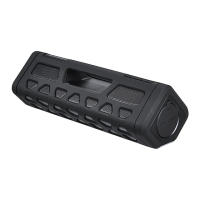
Speaker
Art.no. Model
18-8495 BX210 / X3
38-8181 BX210 / X3

Questions and Answers

  • K
    Kelly WhiteAug 2, 2025
    What to do if there is no sound when Bluetooth device is connected to Exibel Speakers?
    • K
      Kelly ButlerAug 2, 2025
      If you are experiencing a lack of sound when your Bluetooth device is connected to the Exibel Speakers, verify the volume level and play/pause status on both the external device and the speaker. Ensure that the Bluetooth connection is properly established. Test the file playback on the Bluetooth device before connecting it to the speaker. The file may be incompatible or damaged, so try another file. Also, make sure that no other wireless devices are disrupting the Bluetooth connection.
  • J
    jasonriceAug 16, 2025
    What to do if there is no sound from external device connected via 3.5 mm input (AUX) to Exibel BX210/X3 Speakers?
    • M
      Mr. Ralph PaceAug 16, 2025
      If you're not getting any sound from an external device connected via the 3.5 mm input (AUX) on your Exibel Speakers, check the volume level on both the connected device and the speaker. Also, check the play/pause button on the connected device. Ensure that the cable connecting the device and the speaker is undamaged and securely connected. Test the playback of the file on the device itself before connecting it to the speaker. Try another file as the current one may be incompatible or damaged.

Summary

Safety

Buttons and Functions

Operating Instructions

Turn Speaker On

How to turn the speaker on and initiate pairing mode.

Turn Speaker Off

How to turn the speaker off.

Charge Speaker

Instructions for charging the speaker before first use.

Pairing Speaker to Bluetooth Device

Connecting Device via 3.5 mm AUX Socket

Charging External Device via USB

Care and Maintenance

Troubleshooting Guide

Specifications

Declaration of Conformity

Exibel BX210/X3 Specifications

General IconGeneral
BrandExibel
ModelBX210/X3
CategorySpeakers
LanguageEnglish

Related product manuals