EasyManua.ls Logo

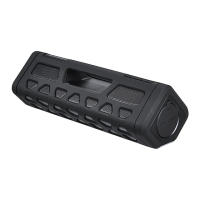
Exibel BX200 - User Manual

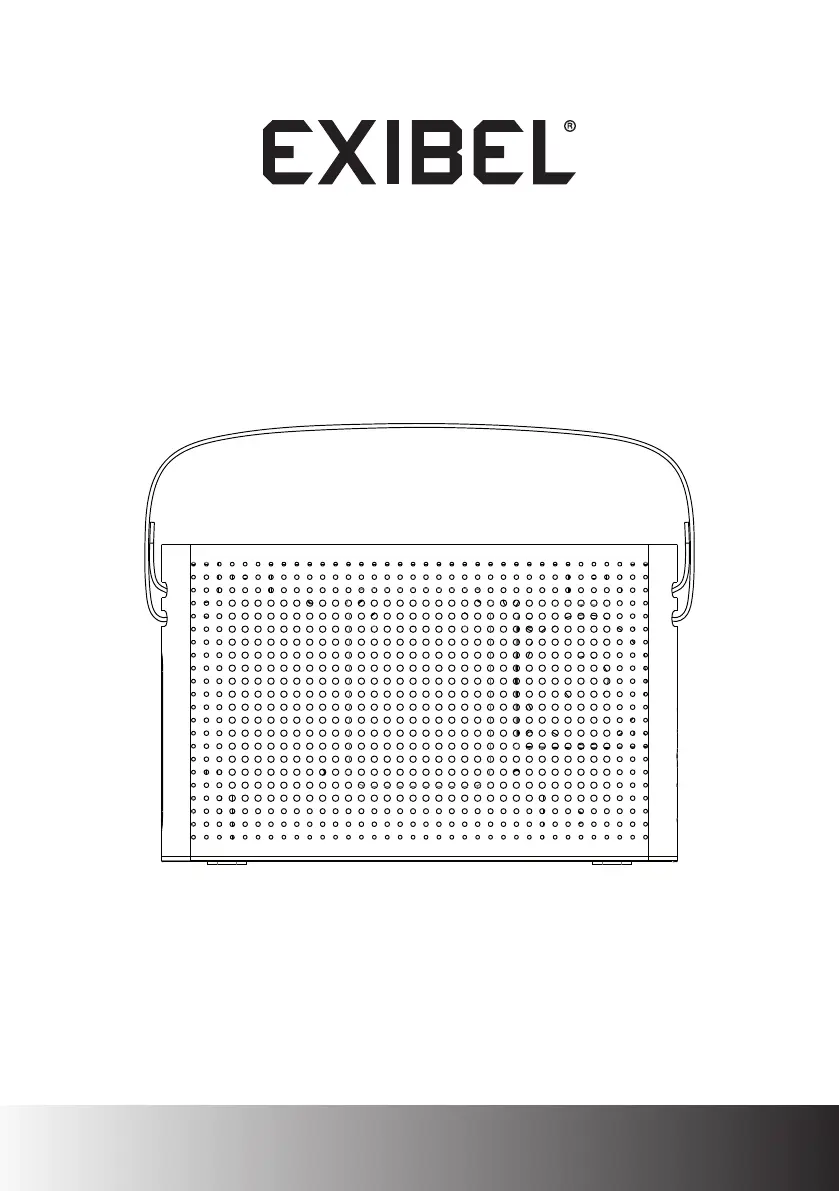
Exibel BX200
36 pages
Print Icon
To Next Page IconTo Next Page
Loading...
Bluetooth-högtalare · Bluetooth-høyttaler
Bluetooth-kaiutin · Bluetooth-Lautsprecher
Ver. 20160205
English 3
Svenska 9
Norsk 15
Suomi 21
Deutsch 27
Bluetooth Speaker
Art.no. Model
38-7393 BX200

Questions and Answers

  • J
    jimenezanthonyOct 30, 2025
    What to do if there is no sound from the connected device on Exibel Speakers?
    • J
      John NewmanOct 30, 2025
      If you're not getting any sound from your connected device when using your Exibel Speakers, there are several things you can check. First, make sure the volume level is turned up on both the speaker and the device. If you are using AUX IN, ensure the audio cable is properly connected and undamaged, and that AUX is selected as the playback mode. If you are using Bluetooth, verify that the Bluetooth connection is correctly established. Test the playback from your external device before connecting it to the speaker to ensure that it works. Try using another file for playback, as the current file may be corrupted. To reset the speaker, disconnect it from the mains by pulling the plug from the wall socket, then plug it back in. Also, other wireless equipment might interfere with the sound, so t...

Summary

Product Usage and Safety

Safety Precautions

Essential safety precautions and warnings for product usage.

Usage Considerations

Factors affecting wireless performance and product operation.

Initial Troubleshooting Steps

Initial steps to resolve common operational issues.

Buttons and Functions

Operating Instructions

Attaching the Handle

Step-by-step guide for assembling the speaker's handle.

Charging the Built-in Battery

Instructions for fully charging the speaker's internal battery.

Playback and Charging Operations

Bluetooth Playback

Connecting and playing audio via Bluetooth.

AUX Input Playback

Connecting and playing audio via the AUX socket.

Charging External Devices

Using the speaker to charge other electronic devices.

Maintenance and Troubleshooting

Care and Maintenance

Guidelines for cleaning and maintaining the speaker.

Troubleshooting Guide

Resolving common issues with the speaker's functionality.

Product Specifications and Disposal

Specifications

Technical details and features of the Bluetooth speaker.

Responsible Disposal

Information on environmentally sound disposal of the product.

Declaration of Conformity

Exibel BX200 Specifications

General IconGeneral
BrandExibel
ModelBX200
CategorySpeakers
LanguageEnglish

Related product manuals