Powerware
®
Plus 12 Operator's Manual (164200090 Rev E) 7
2 UPS Control Panel
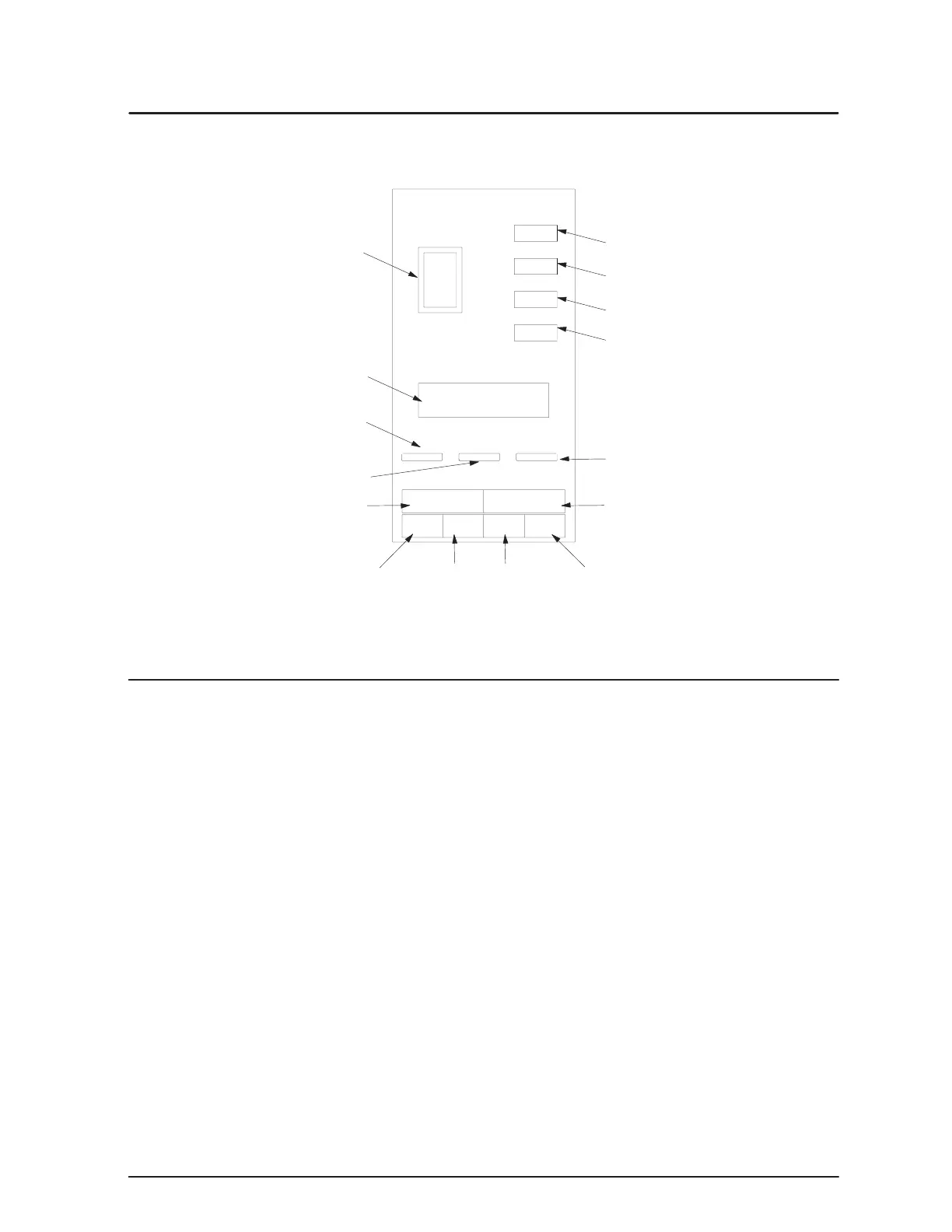
The following sections identify the controls and indicators on the front panel
(see Figure 2) and the front panel display functions.
Emergency
PowerĆOff Switch
Horn Silence
UPS On
Menu Button Select Button
UPS Off
LCD Display
Overload Indicator (Yellow)
Battery Indicator (Yellow)
Bypass Indicator (Yellow)
Normal Indicator (Green)
" Button! Button # Buttonz Button
Control Keys and Indicators
These pushbutton controls are on the front panel:
Press the EPO switch to turn off the load power during an emergency condition.
The UPS must be restarted after an EPO.
Press to start up the UPS.
Press to silence the audible alarm, to perform a lamp test, or to test audible alarm.
Press the Horn Silence button for approximately 12 seconds to perform the Horn and
Lights test. During the first four seconds, the panel indicators illuminate. During the
next four to six seconds, one or more of the indicators go out. During the last few
seconds, the alarm sounds. The test ends when you release the Horn Silence button
after the alarm sounds.
Press to shut down the UPS.



 To Next Page