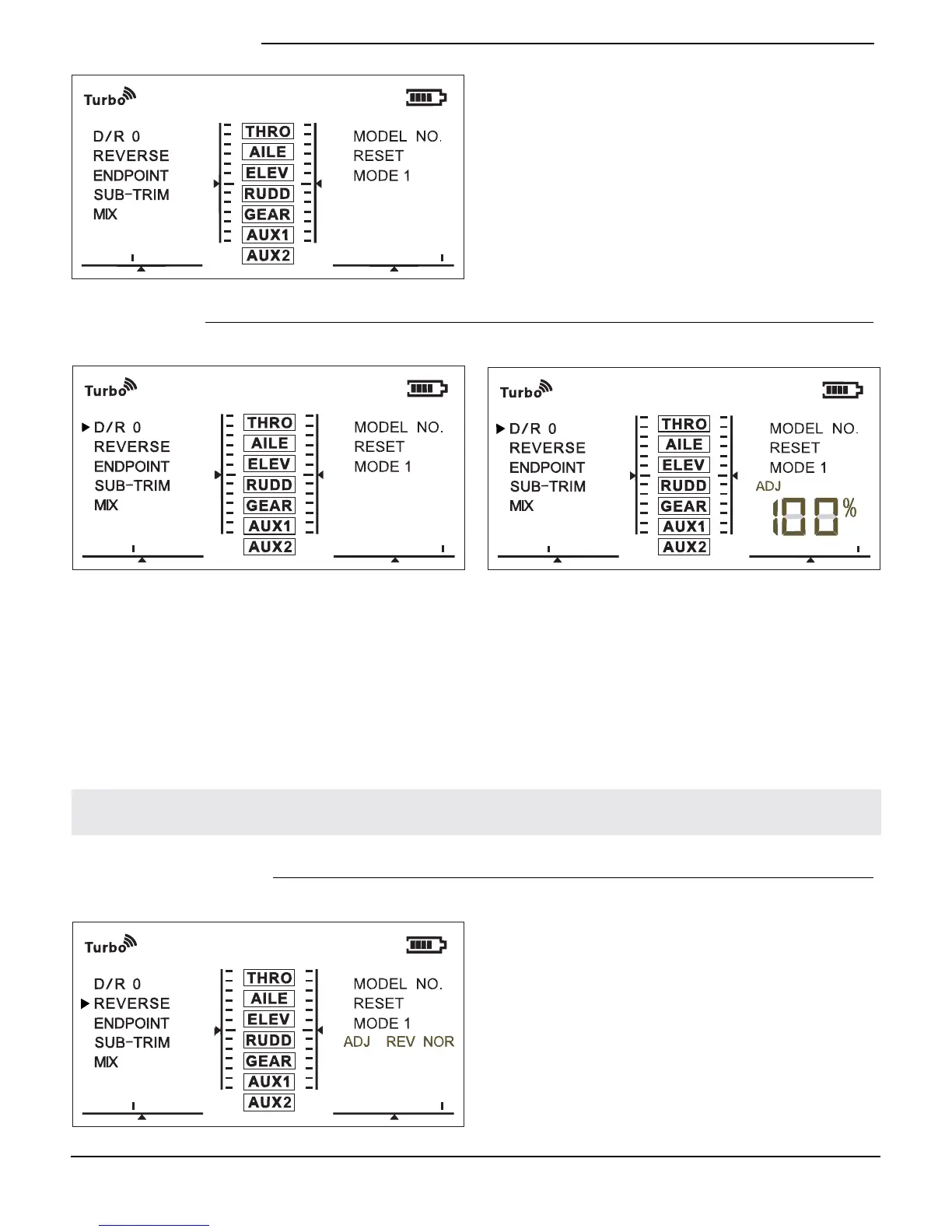
D/R Setting
D/R function allows you to adjust the travel volume of channels, its volume is based on
Endpoint function.
The D/R function includes two preset position "1" and "0". When you switch D/R
channel to position 0, your travel adjustment is based on 100% volume. When you
switch D/R channel to position 1, your travel adjustment is based on 50% volume.
The D/R function setting is based on the current model. When you set D/R under Model
No.1, the setting will only work under Model No.1.
Channel Reverse
Channel reserve function allows you to
reserve any of the 7 channels.
The reserve function setting is based
on the current model. When you set
reserve under Model No.1, the setting
will only work under Model No.1.
Menu Functions
NOTICE: After you nish setting of D/R and return back to main menu, next time when
you enter D/R function setting, it will remember the setting status you saved last time.
The EX7 comes with a digital LCD screen
displaying a 3-level menu.
Press Menu button to turn on/off
background light of the screen.
Following below instructions you are able
to operate settings to EX7.


 To Next Page