User’s Manual
http://www.exoatletasia.com
ExoAtlet
Ⓡ
II 54 / 84 Ver 1.0 (2019.03.29.)
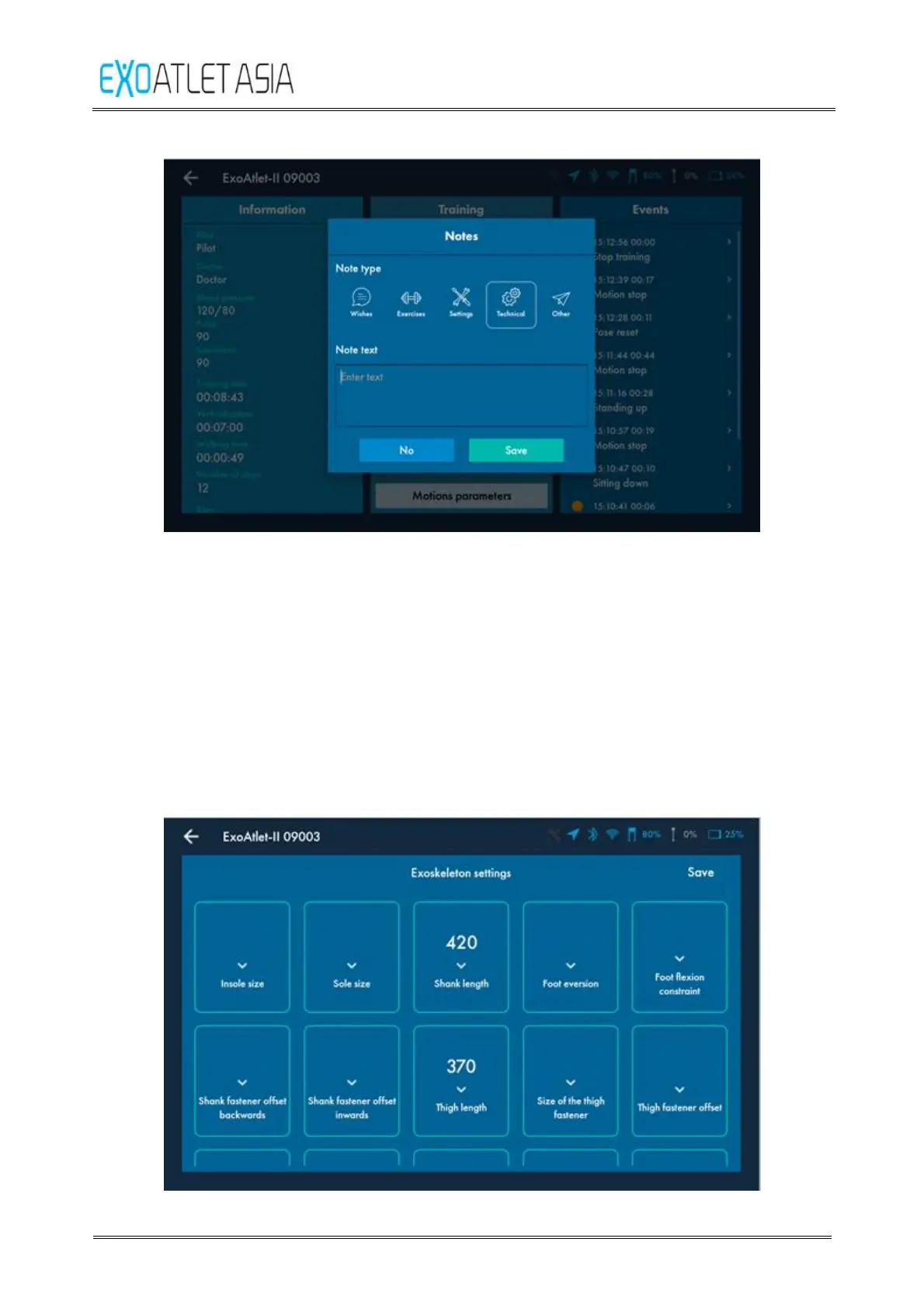
Figure 59
7.2.3. Settings
After pressing «Settings» button settings screen appears. You should input at least
shank length and thigh length to be able to initiate motions of the exoskeleton.
Press “Save” button in top right side of the screen to save current parameters. Press
back arrow in the top left side of the screen to close settings screen without
keeping the changes.
Warning: you should carefully check that shank length and thigh length in the settings
are similar to the ones that set on exoskeleton. Otherwise it may result in incorrect
walking and even injury of the patient.
Figure 60



 To Next Page