User’s Manual
http://www.exoatletasia.com
ExoAtlet
Ⓡ
II 63 / 84 Ver 1.0 (2019.03.29.)
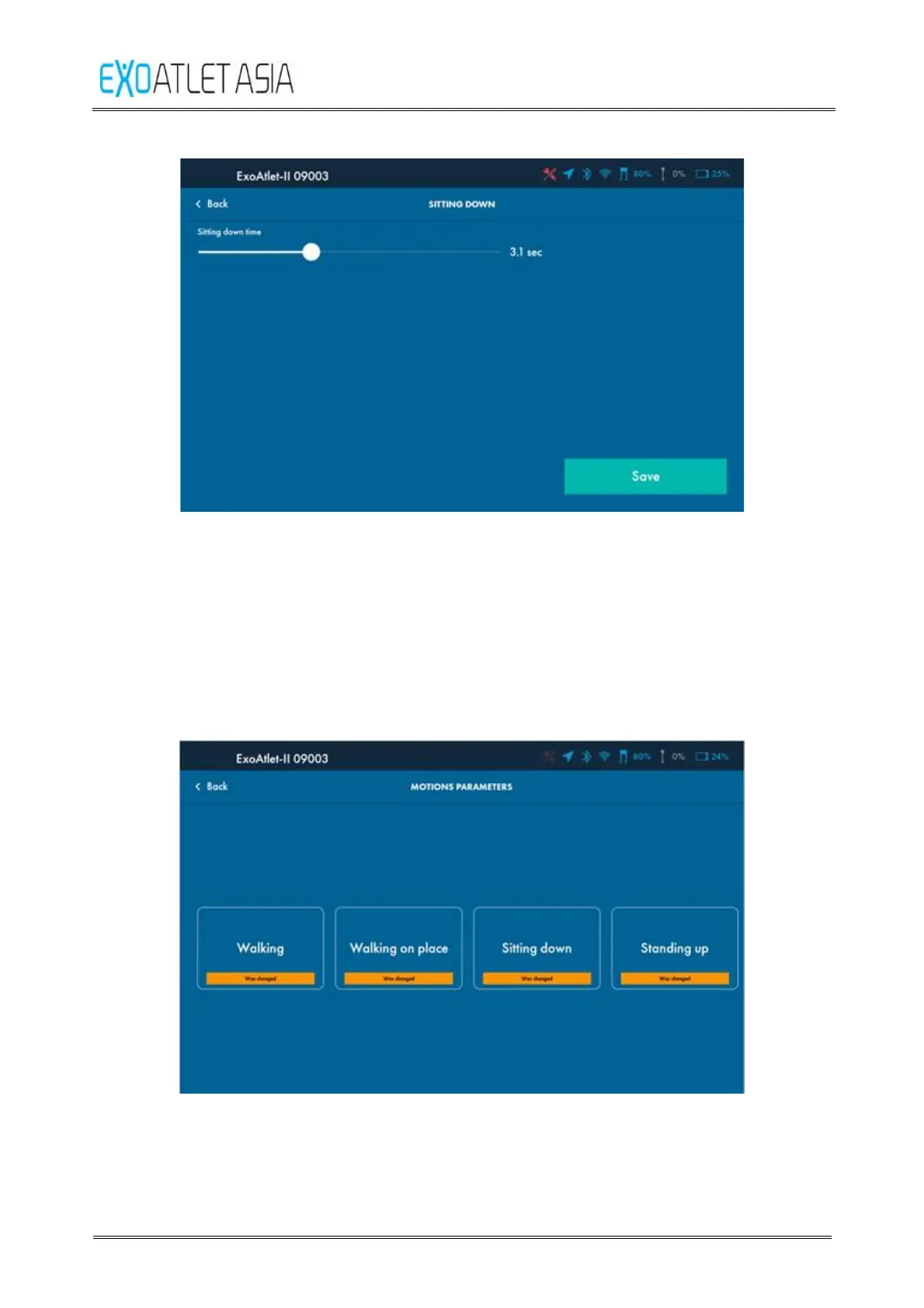
Figure 69
6) Saving changes
If you will press “Save” button on one of the movement settings all the changes
will be kept and you will get back to the motion parameters screen. You will see
that motion was changed by an orange tag in the bottom side of the button (see
Figure 70). Pay attention, that if you will change parameters of only one of the
movements tag will appear only below the exact button.
Figure 70



 To Next Page