Model 407790 Ver. 1.1 7/02L
10
Instantaneous sound pressure level measurement (L
A
, L
C
, L
P
)
To perform a measurement, carry out the following steps.
1. Set the power switch to ON and wait until the measurement screen appears.
ID No: 00001358 Ver: 0.10
SOUND LEVEL METER
1/1 & 1/3 Octave Band
Real-Time Analyzer
Self-Testing...
[ SLM ] 01 / 07 / 27 14:26:39
A
L
30 80
FAST
dB
130
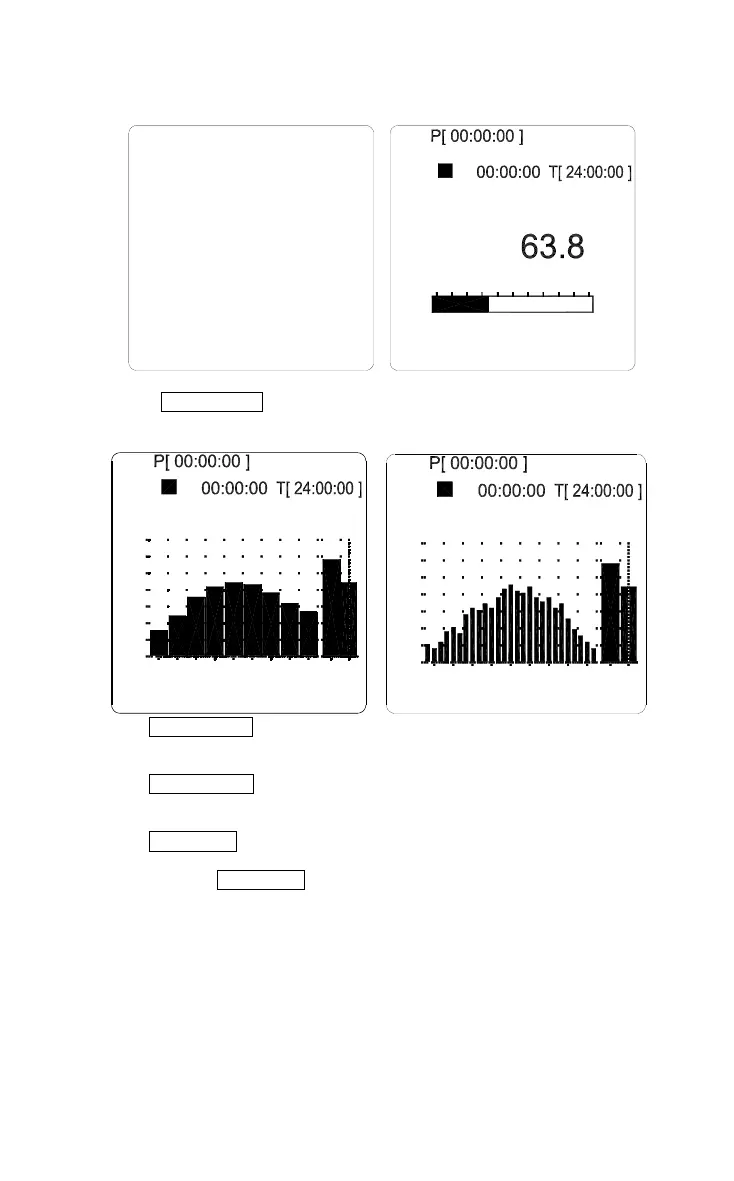
2. Press the SLM/ 1/1/ 1/3 button to select the desired SLM, 1/1 or 1/3 octave band
sound pressure level measurement screen.
70
500
[ 1 / 1 OCT ] 01 / 07 / 27 14:26:39
125Hz 31.5
30
50
8k L W2k
A
FAST
L
90
dB
75.2 dBW
40
60
100
80
[ 1 / 3 OCT ] 01 / 07/ 27 14:26:39
31.5Hz
30
50
70
2k500125 8k L W
A
FAST
90
dB
L W 75.2 dB
100
60
80
40
3. Use the FREQ WGHT button to select the desired L
A
, L
C
or L
P
frequency weighting
setting.
4. Use the TIME CONST button to select the desired FAST or SLOW time constant
setting. Normally, the “FAST” setting should be used.
5. Use the
LEVEL
button to select the range. Choose a setting in which the “OVER”
and “UNDER” indications do not appear. In SLM mode, the dynamic range is
30~130dB so the
LEVEL
button is not used.





 To Next Page