Model 407790 Ver. 1.1 7/02L
13
Datalogging
The 407790 has an automatic and a manual datalogging function. Stored measurement results
can be displayed by pressing the RECALL button.
Manual Datalogging (1024 data sets)
1. Set the power switch to ON.
2. Use the SLM/ 1/1/ 1/3 button to select the desired SLM, 1/1 or 1/3 octave band sound
pressure level measurement screen.
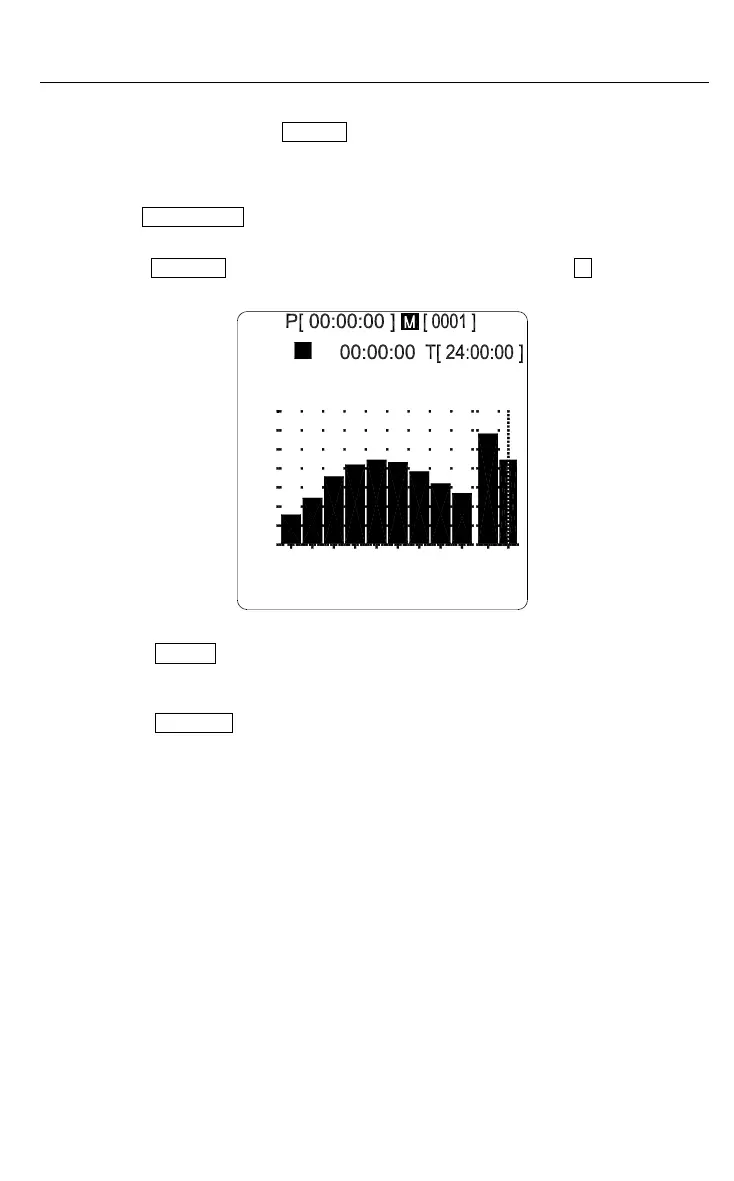
3. Press the MEMORY button to enter to memory mode; the display shows M [0001] which is
the first data record address number.
70
[ 1 / 1 OCT ] 01 / 07 / 27 14:26:39
31.5Hz
50
30
40
60
2k500125 8k L W
L
FAST
dB
90
80
100
WA 75.2 dB
4. Press the STORE button and one set of data will be stored in the [0001] memory
address location. The address counter is incremented by one.
5. Repeat the above steps to store additional data.
6. Press the MEMORY button again to exit the memory mode.





 To Next Page