EA33-en-GB_v2.5 7/18
AUTO POWER OFF Feature
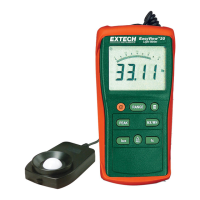
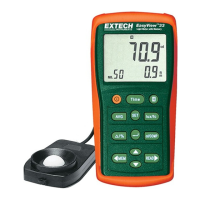
To conserve battery life, the EA33 automatically turns off after several minutes. To defeat this
feature:
1. Turn the meter OFF.
2. Press and hold the HOLD key while turning the meter ON.
3. The AUTO POWER OFF feature will now be disabled.
4. Note that AUTO POWER OFF is re-enabled each time the meter is turned on.
5. Also note that AUTO POWER OFF is always disabled in the Integral Illuminance mode.
w ww . . co m
information@itm.com1.800.561.8187



 To Next Page