EXTEL - WAVE - 720313
en - 6
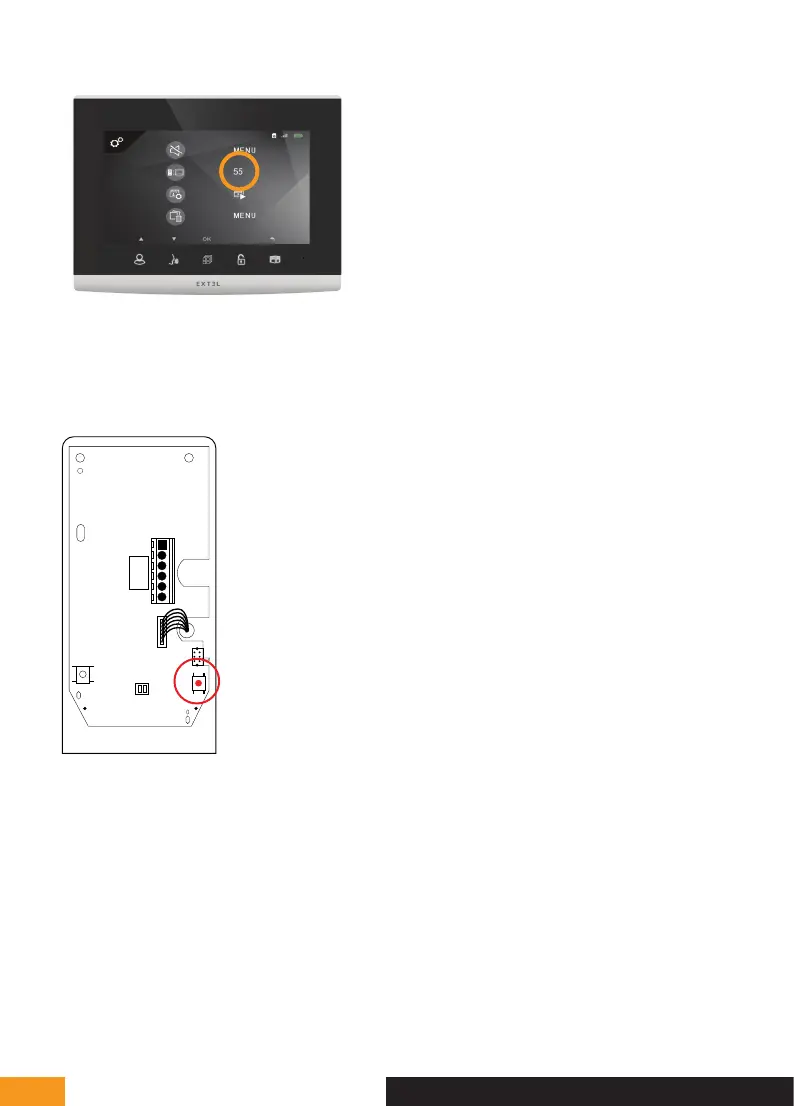
Your screen is in pairing mode when a 60sec countdown timer starts
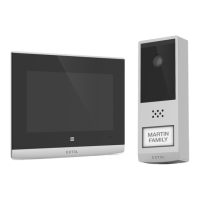
2 - Put the PowerBox in pairing mode
Eco
Power
PAIR1
RESET
LOCK
COM NO
- +
-
+
~~
To put the PowerBox in pairing mode, press the red pairing button once for 1 sec as shown above.
3 - Pair the intercom panel with the screen
After pressing the PowerBox pairing button and launching the screen timer, press the intercom panel’s call button.
The screen starts ringing.
Note: you must press the intercom panel button before the screen timer reaches 0.
E - INSTALLATION


 To Next Page