CFI EXTEL WESV 82600 - 10/2011 - V1
*%
e. Setting the sound volume
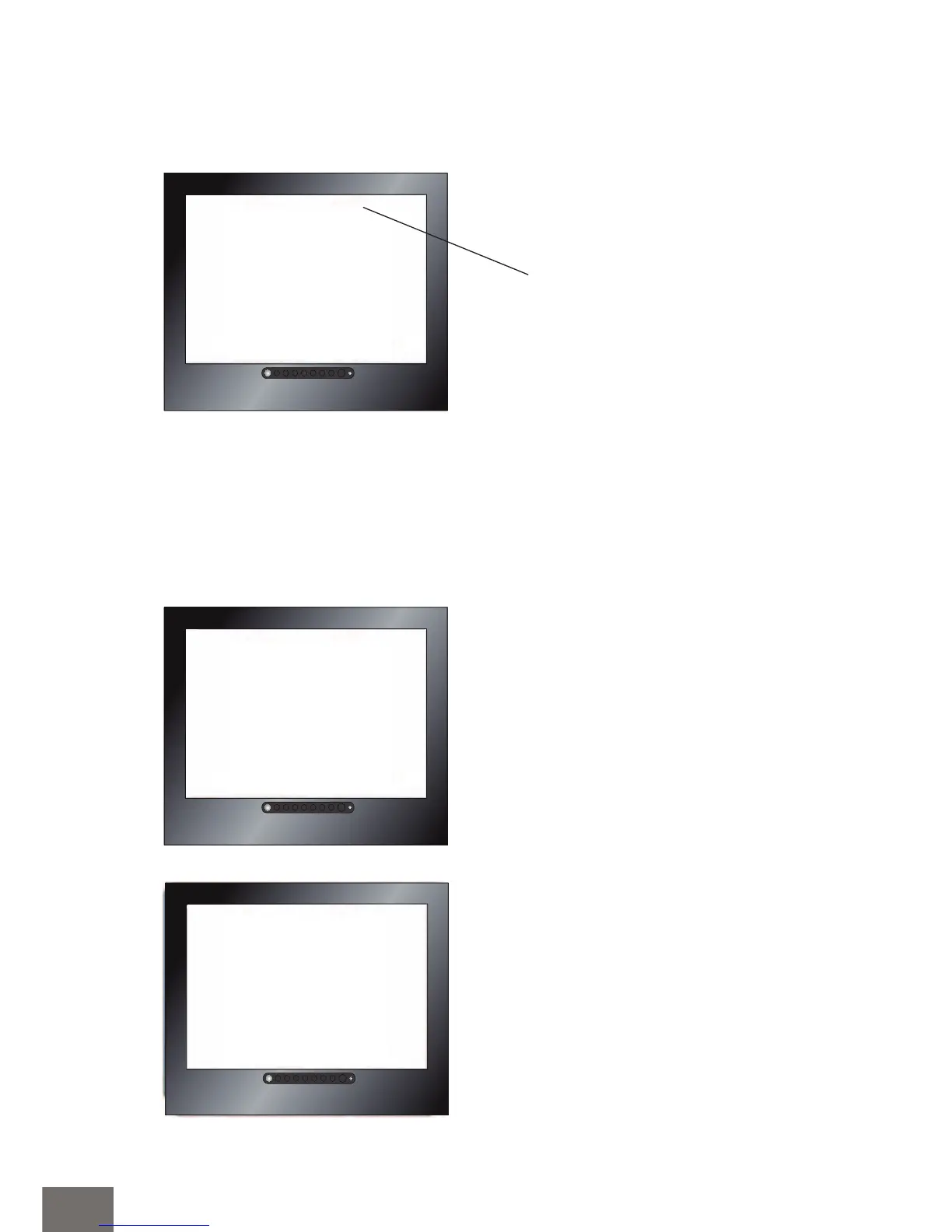
Press the key “ok” a menu appears:
f. Scan Time or QUAD function (to use only in the case of several cameras)
Audio Vol 10
Camera 4 ON
Camera 3 ON
Camera 2 ON
Camera 1 ON
Reset
Pair CAM 1 2 3 4
Scan Time OFF
Audio Vol 10
Camera 4 ON
Camera 3 ON
Camera 2 ON
Camera 1 ON
Reset
Pair CAM 1 2 3 4
Scan Time OFF
Audio Vol 10
Scan Time QUAD
Pair CAM 1 2 3 4
Systern Setup
Factory Reset
Camera 1 ON
Camera 2 ON
Camera 3 ON
Camera 4 ON
Raise or lower the sound volume with
the keys W and X of the monitor.
Press the button “M” of the receiver.
On “SCAN TIME” with the keys W
and X , select the scrolling time (5, 10,
15, 20 seconds) or Display if QUAD
mode.
(Reminder: only the cameras set on
“ON” viewing mode will be visible,
see paragraph d).


 To Next Page