Connections:
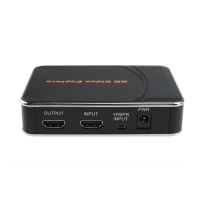
Ezcap280 have 2 input modes: HDMI, component. And it will automatically recognize the input video
source, no need to switch manually. Just please do not to connect 2 source at same time.
PS:
1, PS3,need to add HDMI splitter to decode HDCP for recording.
2, HDMI input mode does not support record MIC voice, only for component input
(YPBPR). Ezcap280P can support both of HDMI input and Component input.
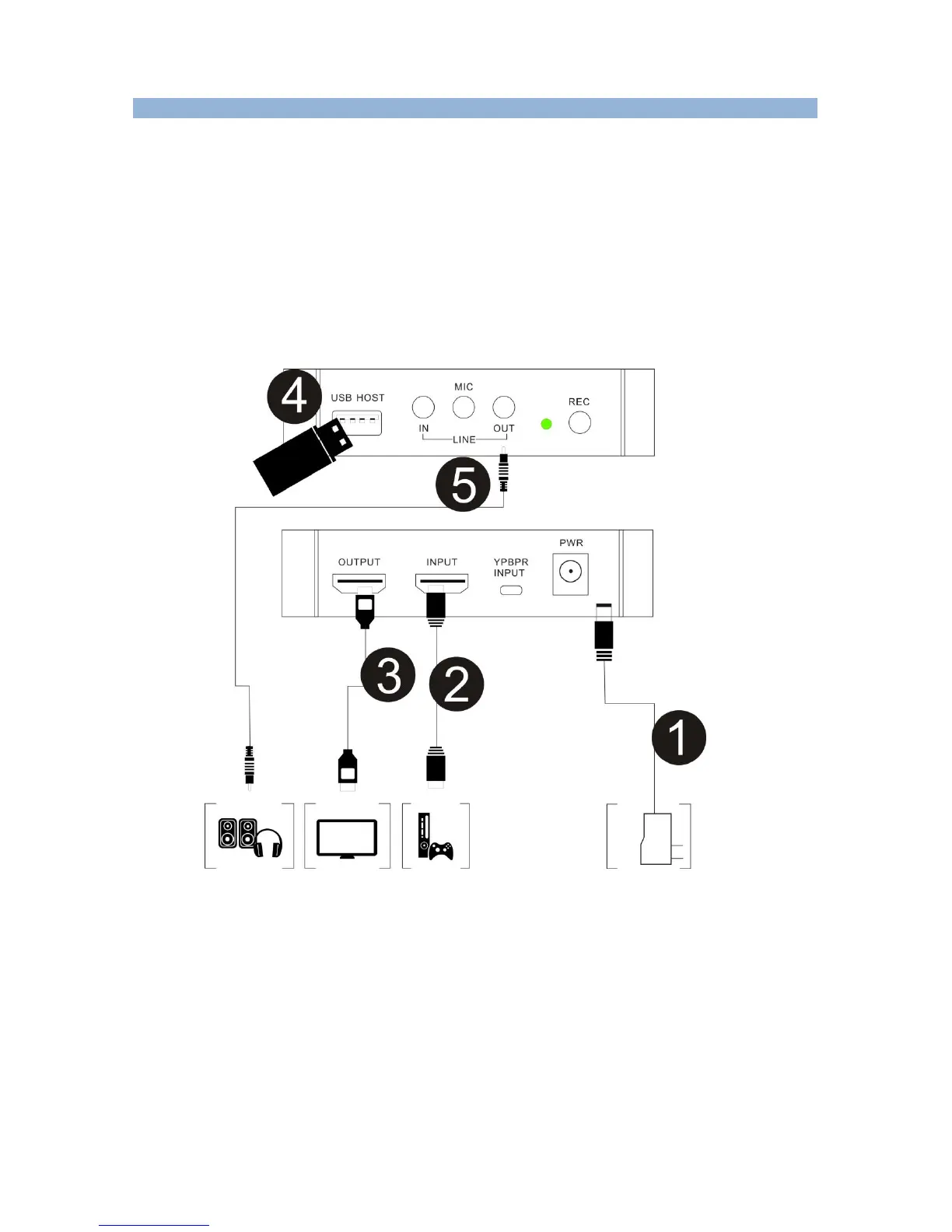
Connect with HDMI input source:
1, Connect power with DC adaptor
2, Use HDMI cable connect with PS4 or other source.
3, With HDMI cable connect to monitor
4, Plug in an USB drive.
5, The “LINE OUT” is for connecting to speaker or earphone, it’s not necessary if you don’t need,
cause the HDMI output is also with audio output.
Important:


 To Next Page