Learn more
Visit http://www.iezvu.com for more information about
EZCast, find FAQ and more finger tips for better
casting experience.
Hardware Installation
!
Please follow below steps to setup EZCast:
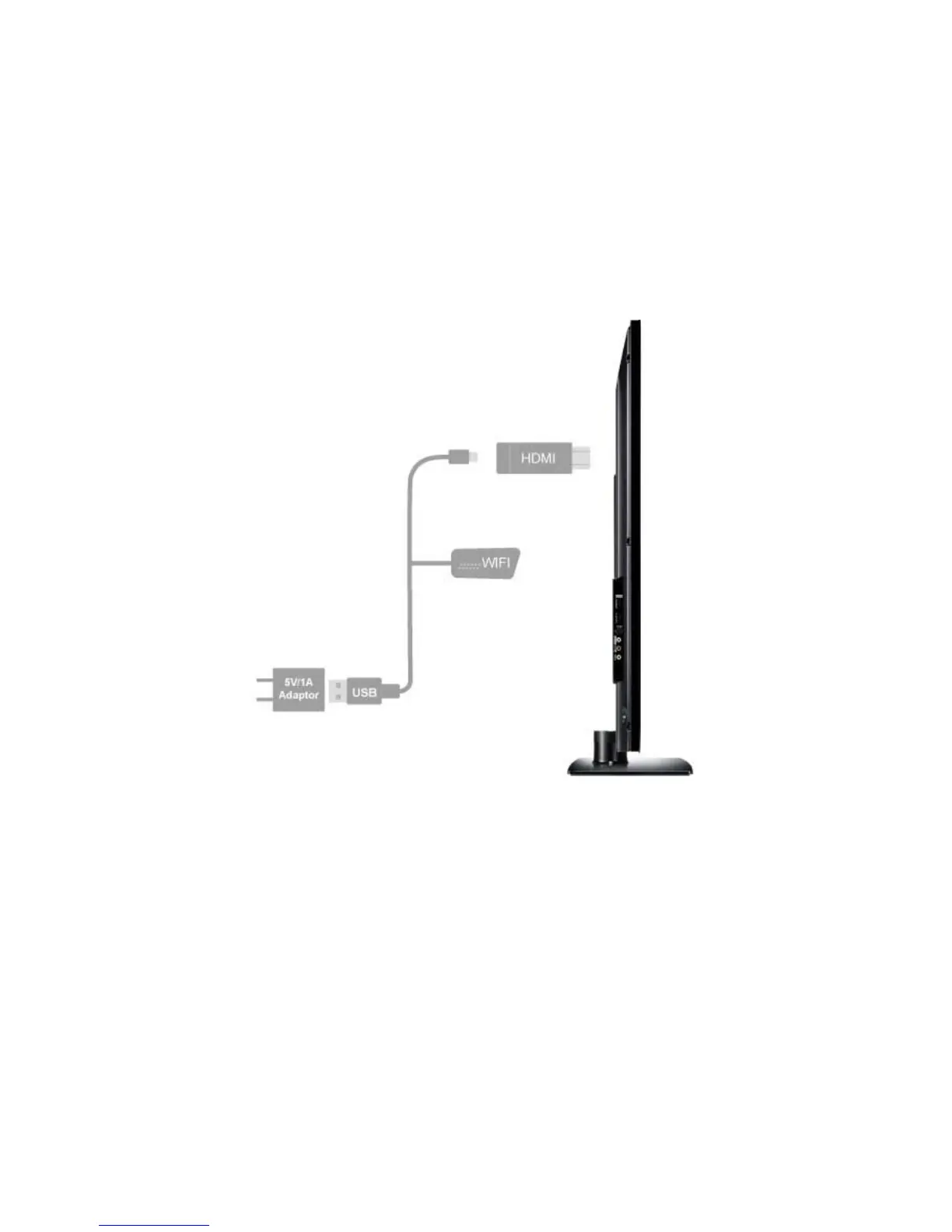
Step 1: Connect EZCast to TV
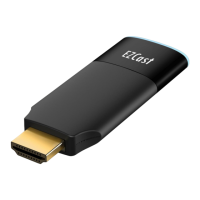
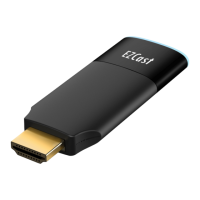
Plug EZCast dongle into any HDMI input port on your
TV, Monitor, or Projector.
Step 2: Connect USB WiFi Antenna
Plug one end (smaller one, micro USB) of the
Antenna cable into your EZCast dongle and and the
other end of the cable (bigger one, USB Type-A) into


 To Next Page