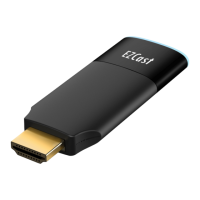
an external 5V1A power adapter.
Note: 1 Amp current supply is highly recommended
for reliable 5G Wi-Fi connection.
Step 3: Switch to the correct HDMI source
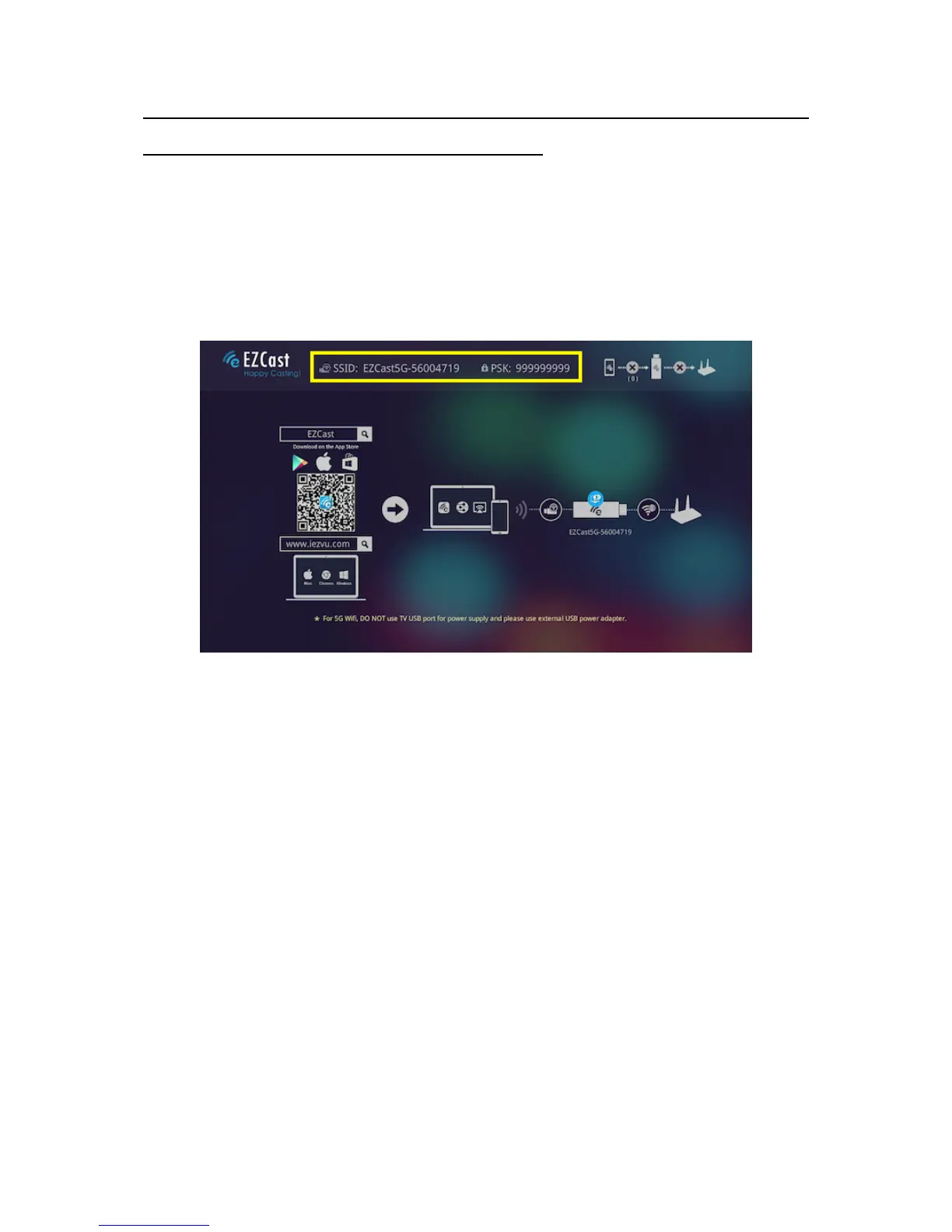
If the HDMI source is set correctly, you should see
the EZCast setup screen as shown below. You could
see the SSID and Password (PSK) on screen.
!
Software Installation
Please follow below steps to download software for
your devices:
(a) Mac or Microsoft Windows:
Please download software from EZCast website
below
http://www.iezvu.com
Note: Supports from Windows 7/8.1/10, and Mac
OS 10.10 and after.
(b) iOS and Android:
Please download “EZCast” and “EZChannel” from


 To Next Page