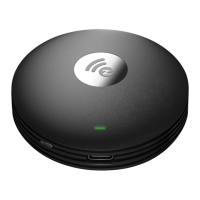
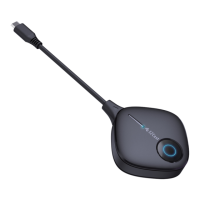
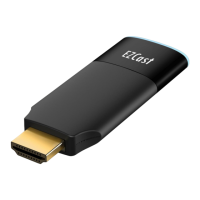
EZCast dongle power cable during upgrade.
EZCast App
After setting up your EZCast step-by-step, you may
start to use EZCast App features below (For further
information, pls refer to Apple iTunes App Store and
Google play).
●
Mirror: screen mirroring on/off control
●
Photo/Video/Music: watch photos/videos/
music on your TV
●
Camera: watch camera video on your TV
●
Web: browse WWW on your TV
●
Comment: leave comments to EZCast
customer service team
●
EZChannel: discover and watch video
channels arranged by EZCast team
●
Setting: Configure your EZCast dongle
DLNA
You could use DLNA on the “Function” Page of
“EZCast” App, and then you may switch to another
appropriate DLNA App on your device for sending
DLNA media file to EZCast dongle.
EZChannel App
EZChannel is the best way to search the internet's
most popular videos, across multiple popular video
sites including YouTube, Dailymotion, Vimeo, Youku,
facebook, and etc.


 To Next Page