7
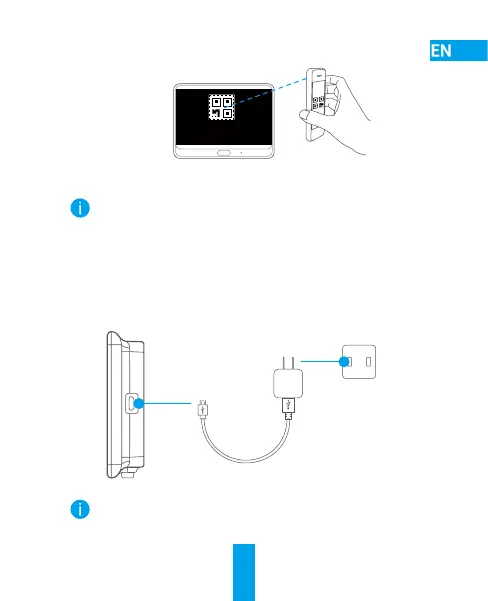
- Scan the QR code.
- Follow the EZVIZ app wizard to nish Wi-Fi conguration.
If you failed to get the QR code or want to recongure Wi-Fi,
please hold the Home button for 5 seconds to reset and repeat
the steps above.
Charge the Panel
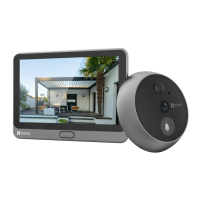
Connect the panel with the power outlet via power adapter.
Power Outlet
Power Adapter
You can also take off the panel to charge by holding the
dismantle button to remove it from the mounting base. Please
disconnect the wire carefully.


 To Next Page
 Loading...