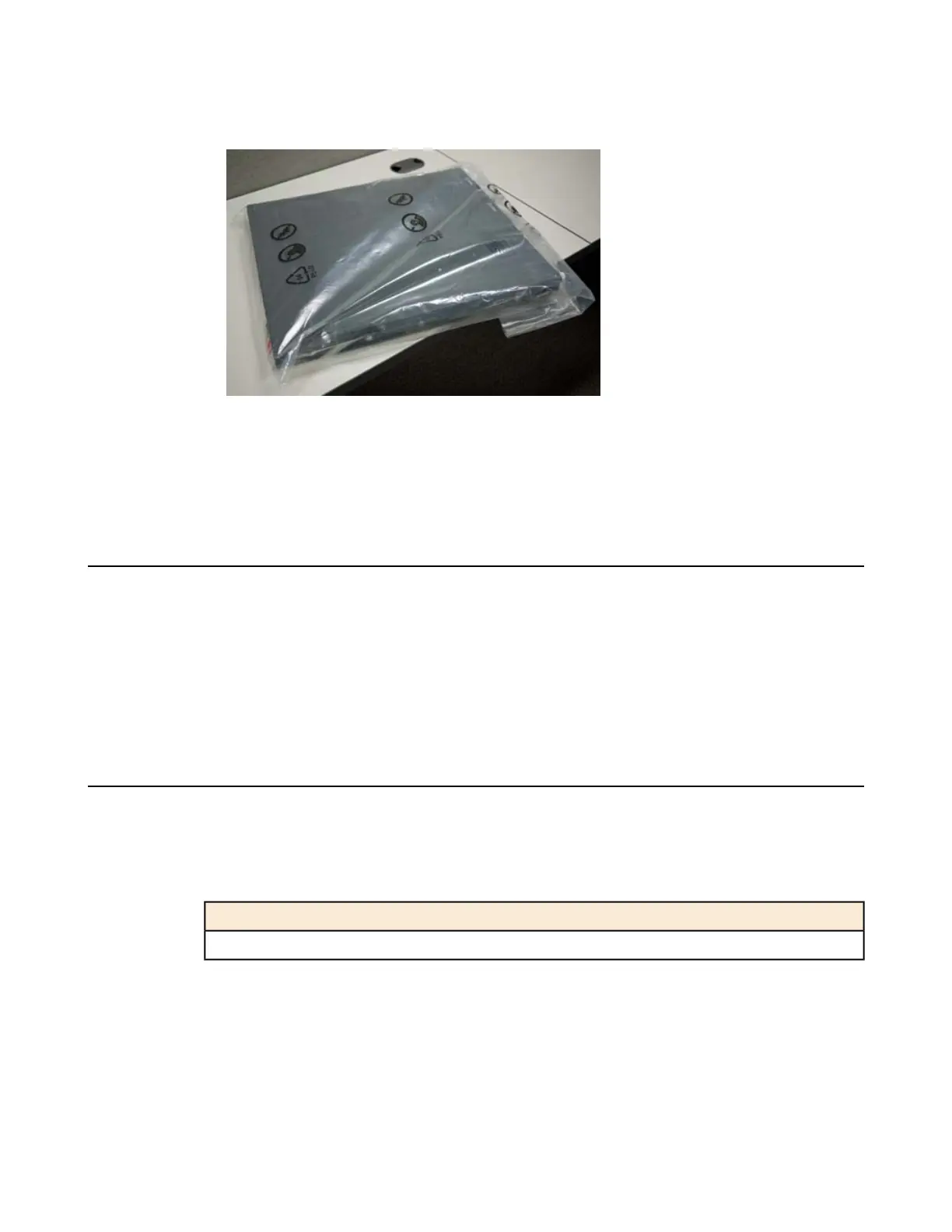
3. Remove the platform from the box and remove the foam inserts.
4. Remove the platform from the plastic bag.
5. Place the platform on a flat surface until you are ready to install the platform into a rack.
Determining which rack mounting kit to use
The 2000/4000 Series platform comes with two types of rack mounting kits: stationary front-mounting and
sliding quick-install rail-mounting. An advantage of installing the quick-install kit is that you can then slide
the unit in and out of the rack as needed.
The tasks required to install the platform differ depending on the type of rack mount you decide to use or
which type of cabinet unit you are installing into (single two-post cabinet or four-post cabinet).
About the front-mounting kit
You can use the front-mounting kit if you are installing into a two-post rack.
Front-mounting kit hardware
The front-mounting kit includes these hardware parts.
HardwareQuantity
Front-mounting brackets2
Installing using a front-mounting kit
Before you install this platform, review the environmental guidelines to make sure that you are installing
and using the platform in the appropriate environment.
This platform includes front-mounting brackets, which you can use to attach the unit directly to the rack.
13
Setting Up the 2000/4000 Series Platform


 To Next Page