Section 3 | VEGA and Cassette Printing Software
1. Press the power ON button positioned at the rear of the instrument.
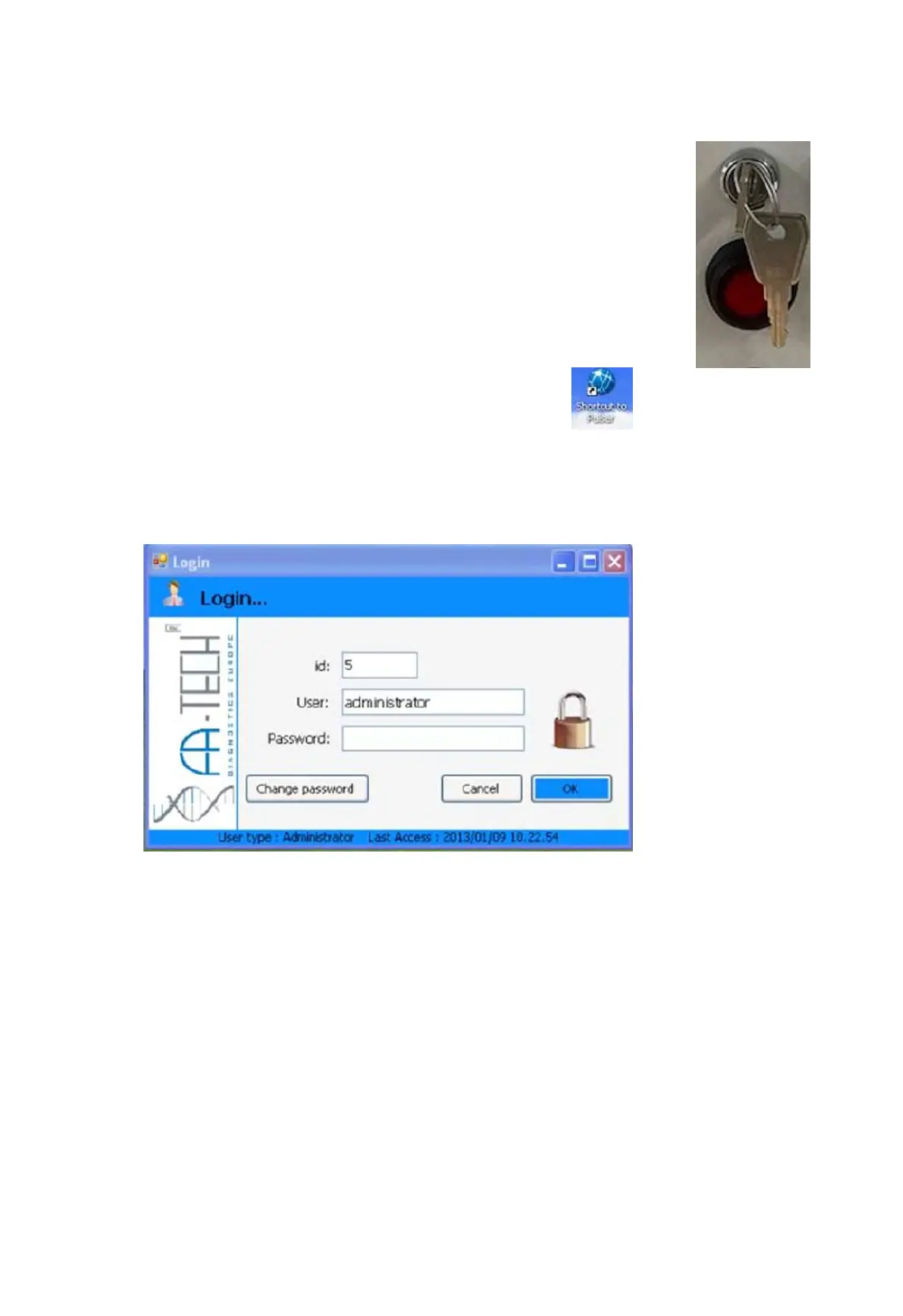
2. Press the Emergency button positioned at the left side of the cover.
When the system will be ready the emergency button will turn RED.
Launching VEGA Software
1. Double-click the VEGA icon
2. Enter User Name and Password.
Default values “administrator/administrator”
3. The cassette marker will perform a self-test.
4. SAMLight will launch in the background.
NOTE: You should see the VEGA and SAMLight icons in the taskbar.


 To Next Page