Generate a copy of the parameter list
Before modifying any parameter of the Parameter list, please select the utility icon and choose “Pa-
rameter”. Select the printer icon.
This will automatically generate in C: the file “VEGA parameters”.
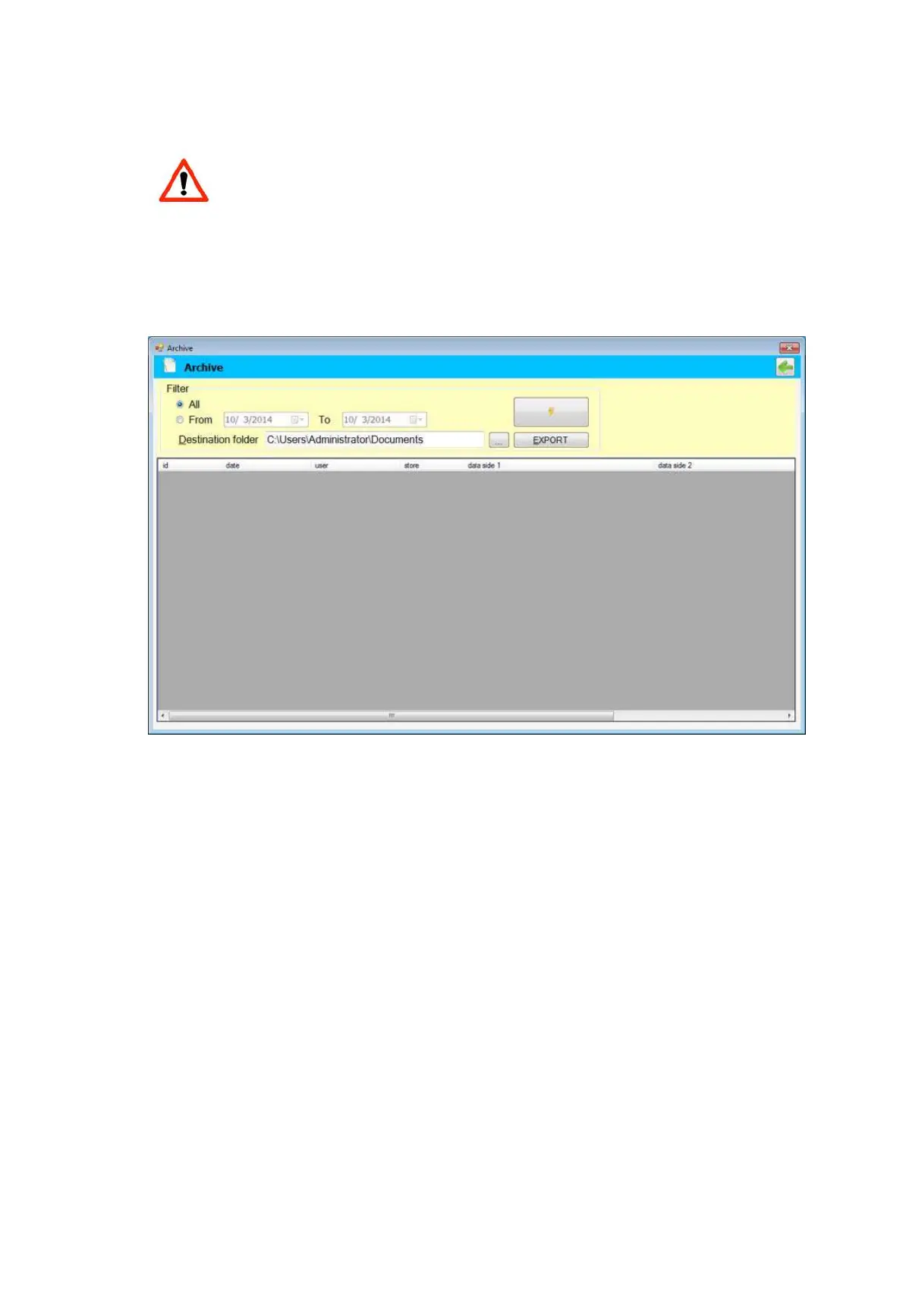
Data Export
It is possible to define an interval of time in the Archive and print all cases.
•
The folder where to send the produced file can be browsed.
•
Selecting EXPORT, a file is generated and sent to the designated folder.


 To Next Page