Section 5 | Troubleshoot cassette jam
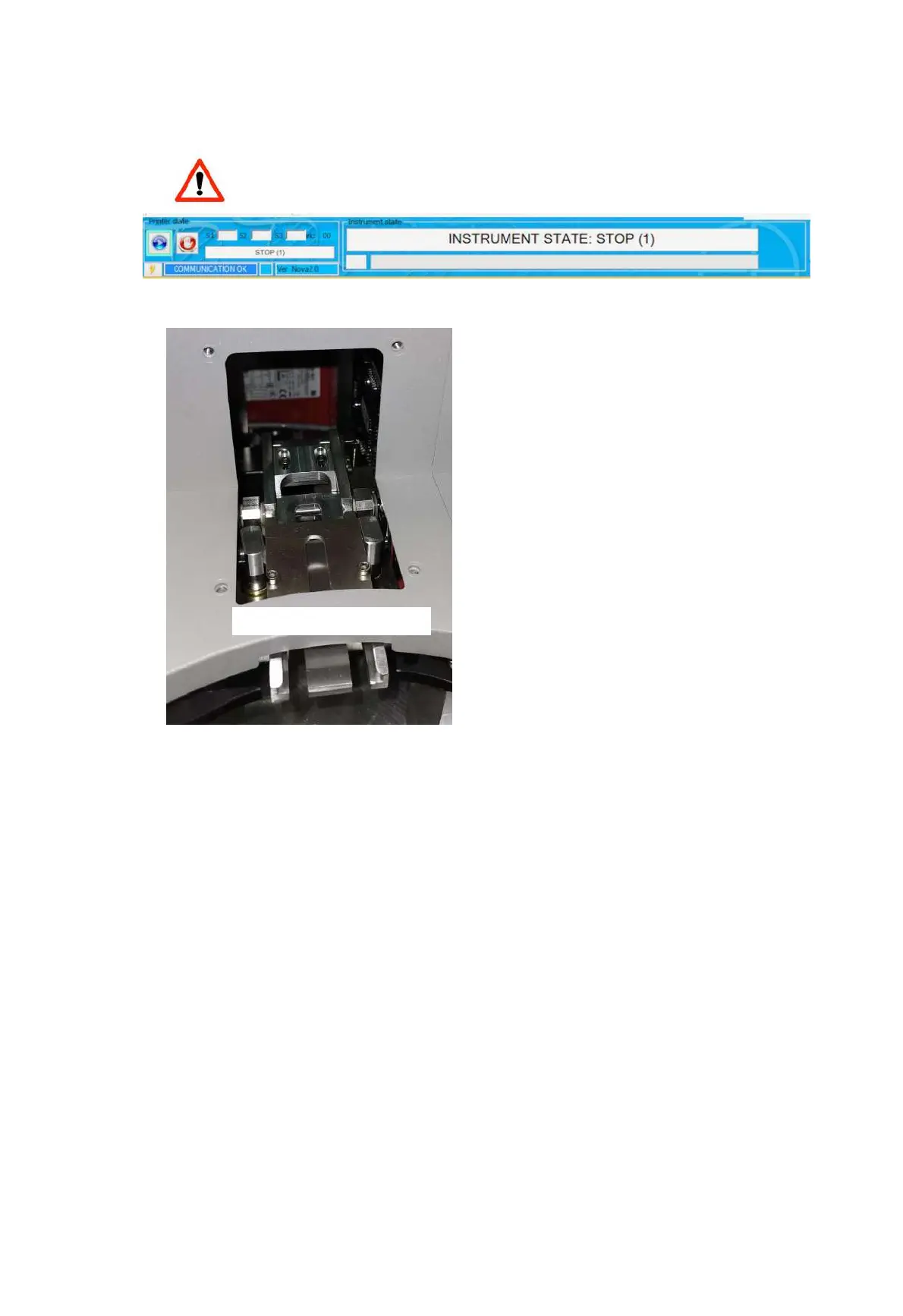
If a cassette gets jammed in the dispensing tray the main interface will show the
message “INSTRUMENT STATE STOP (1)”
- Remove the hopper carousel
- Remove the convex lid
- Inspect the cassette tray and if present remove the piece that got stuck
- After solving the problem put the lid back, put the hooper carousel in its original position and press
the side button “Emergency” (button positioned on the lower part of left side of the cover RED far
from the user) to restore the operation.
If the error persists please contact Service.


 To Next Page