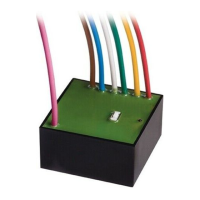
TM2 R 34 A4516_6G66_Rev.C
COMMAND MANAGEMENT FROM WHITE OR BLACK WIRE
NB: The motors are factory set to be used with one button (UP-STOP-DOWN-STOP
operation). The operating mode setting can be modified by following the sequence
indicated below.
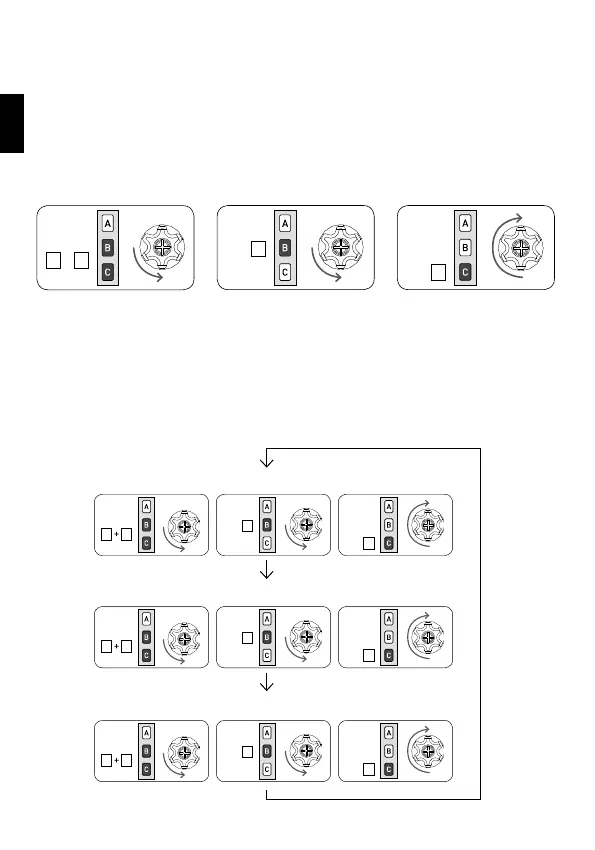
SETTING THE OPERATING MODE:
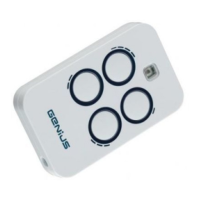
Tn: Memorised remote control
There are 3 possible settings available in the order indicated below:
- UP-STOP-DOWN-STOP (factory setting)
- UP-DOWN (for 2 independent buttons)
- UP-DOWN in “dead-man” mode (for 2 independent buttons)
To switch from one setting to another, repeat the sequence as many times as neces-
sary to reach the required setting.
Tn Tn (2 sec)Tn
+
B C
B
C
Active mode UP-STOP-DOWN-STOP:
Active mode UP-DOWN:
Active mode UP-DOWN in “dead-man” mode:
B C
B C
B C
B
B
B
C
C
C
EN


 To Next Page