9
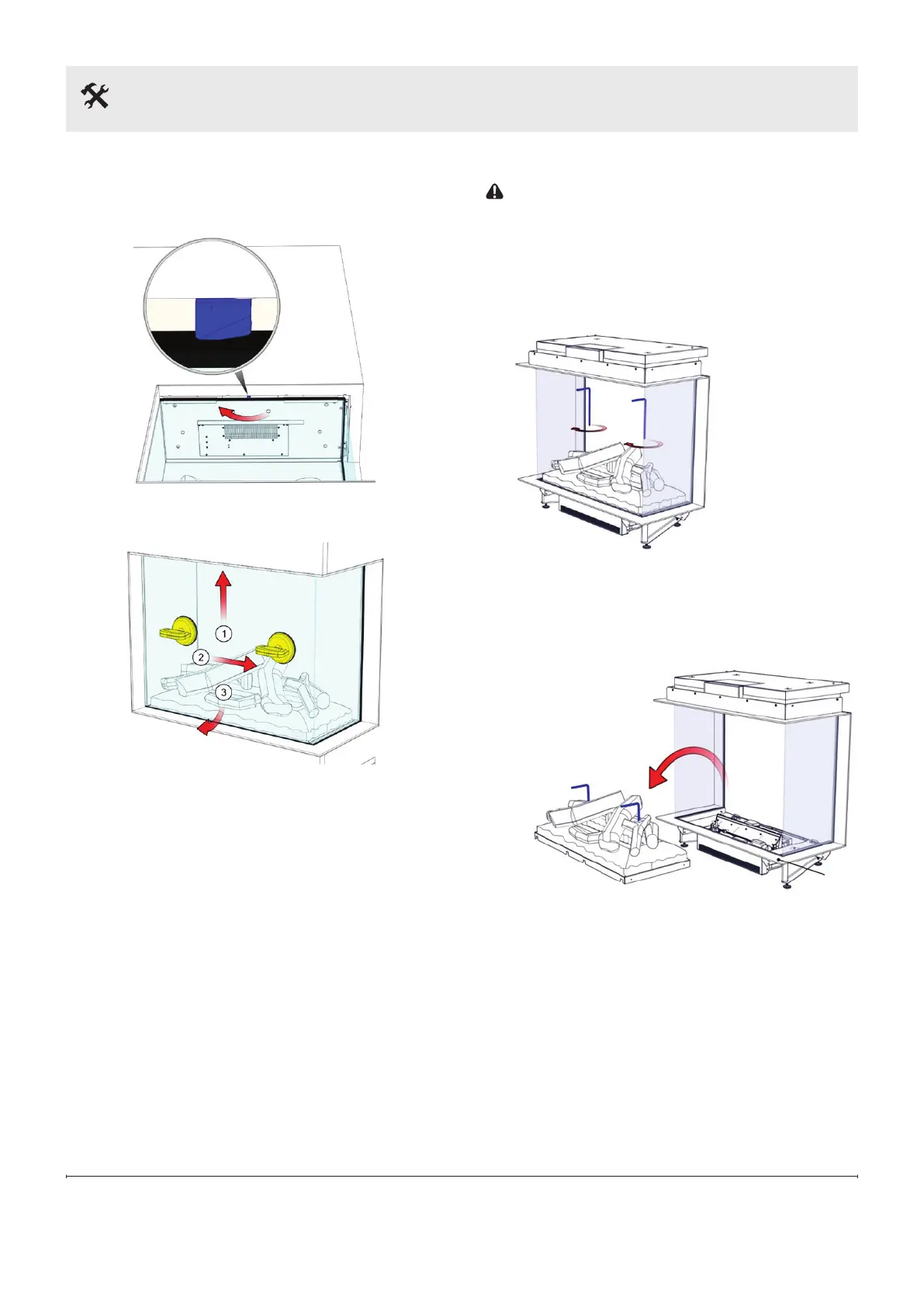
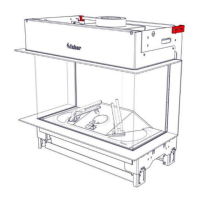
Remove front glass
(FEF3226L2L, FEF3226L2R, and FEF3226L3)
1. Rotate the glass clamp clockwise.
2. Place suction cups and remove the front glass.
Remove the fuel bed
CAUTION: Never lift the fuel bed without using the
supplied handles.
1. Remove the front glass.
2. Cover the frame to avoid scratches.
3. Screw the handles in the fuel bed.
4. Lift the fuel bed carefully and disconnect the
electrical plug.
5. Store the fuel bed in a safe place.
Installation
Frame



 To Next Page