EasyManua.ls Logo

Factory Cat Mini-HD V2.0 - PM Sheet

Default Icon
54 pages
Print Icon
To Next Page IconTo Next Page
To Previous Page IconTo Previous Page
Loading...
- 34 - FC-WALK-BEHIND-V2-OP-EN
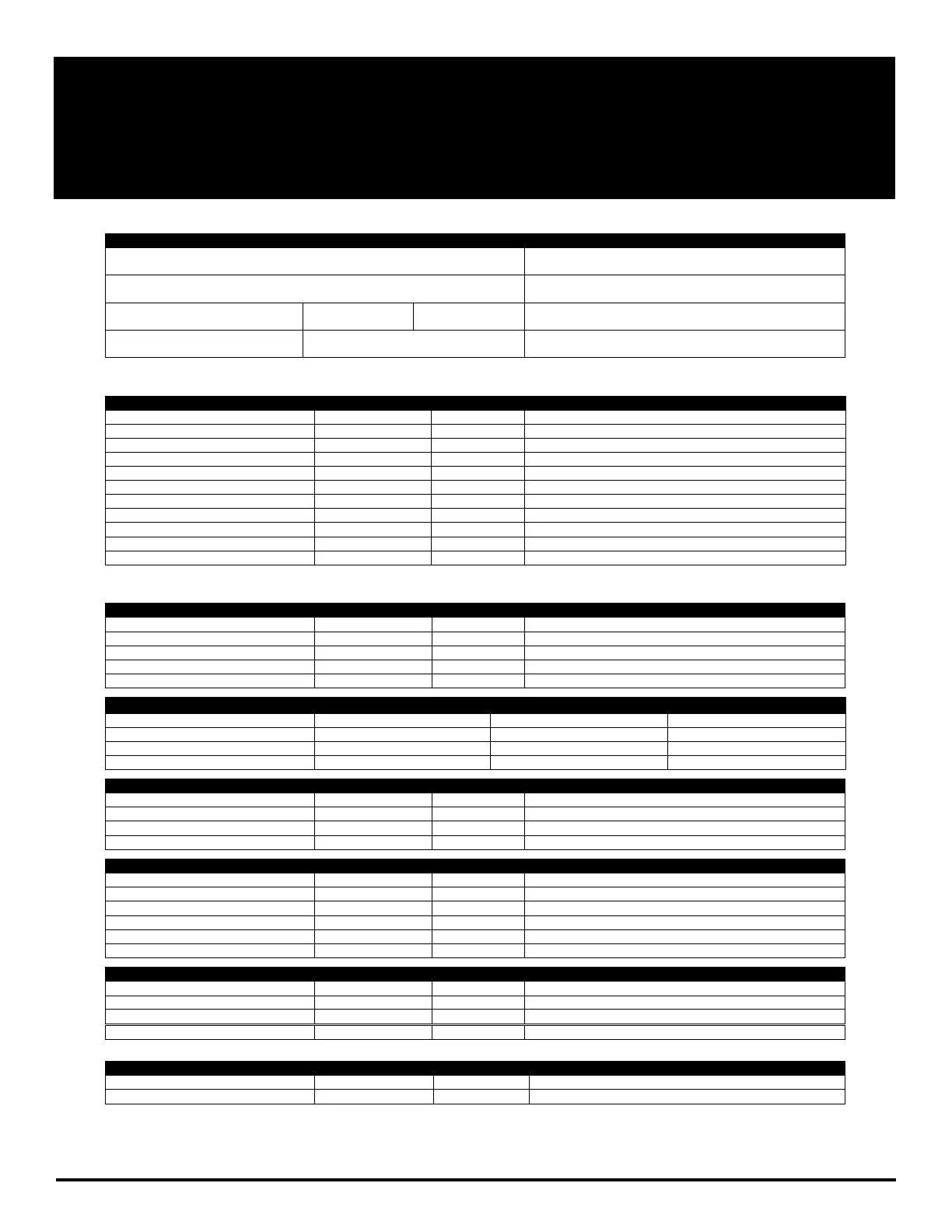
PM SHEET
RPS Corporation © 2021
CUSTOMER & MACHINE INFORMATION
Customer:
Email:
Address:
Phone:
City:
State:
Zip:
Contact:
Serial #:
Model #:
Work Order #:
NOTE: Start with Machine filled at least with ½ Tank of water. Turn ON Machine and Test Functionality of Machine
CHECK OPERATION & CONDITION OF
IN SPEC
PROBLEM
Key Switch
Battery Gauge
Deck Up / Down Brush Switch
Brush Pressure +/- Toggle (Optional)
Vacuum Switch - ON / OFF
Squeegee Lever - Up/Down
Solution Switch - ON/OFF
Solution Flow Lever +/-
Green Drive Buttons - L & R
Reverse Toggle Switch
E-Stop (Optional)
NOTE: Drain Solution & Recovery Tank fully. Rinse out Recovery Tank
CLEAN & INSPECTSOLUTION TANK
IN SPEC
REPAIR
PROBLEM
Solution Fill Screen - Mesh
Solution Fill Hose (Optional)
Solution Inline Filter
Vacuum Muffler Drain Hose
Battery Drain Hose
BRUSH CONDITIONSCRUB DECK
Deck Curtains/Wipers
Good
Worn
Needs Replacement
Brush Sockets: (2-Disk)/(4-Cylindrical)
Good
Worn
Needs Replacement
Brush Drivers: (2-Disk)/(4-Cylindrical)
Good
Worn
Needs Replacement
Scrub Brush Fiber Length
Brush 1 Length:
Brush 2 Length:
Rotated Brushes: Y / N
CLEAN & INSPECTSCRUB DECK
IN SPEC
REPAIR
PROBLEM
Scrub Deck Linkage Pivot Points
Scrub Deck Lift Actuator
Scrub Deck Level (Orbital Only)
Scrub Motor Wires
CLEAN & INSPECT - SQUEEGEE
IN SPEC
REPAIR
PROBLEM
Remove and Wipe off Squeegee
Check and Rotate Blades as Needed
Caster Wheels and Height
Pitch Adjust
Check Pivot and Knobs
Squeegee Vac Hose
CLEAN & INSPECTRECOVERY TANK
IN SPEC
REPAIR
PROBLEM
Recovery Tank Lid & Gasket
Vacuum Float Ball Screen
Vacuum Box White Filter
solution Site Tube
CLEAN & INSPECT DRIVE
IN SPEC
REPAIR
PROBLEM
Drive Wheels & Casters Condition
Grease Caster Swivel

Table of Contents

Related product manuals