15
OPERATING PARAMETERS MENU - DRY COOLER
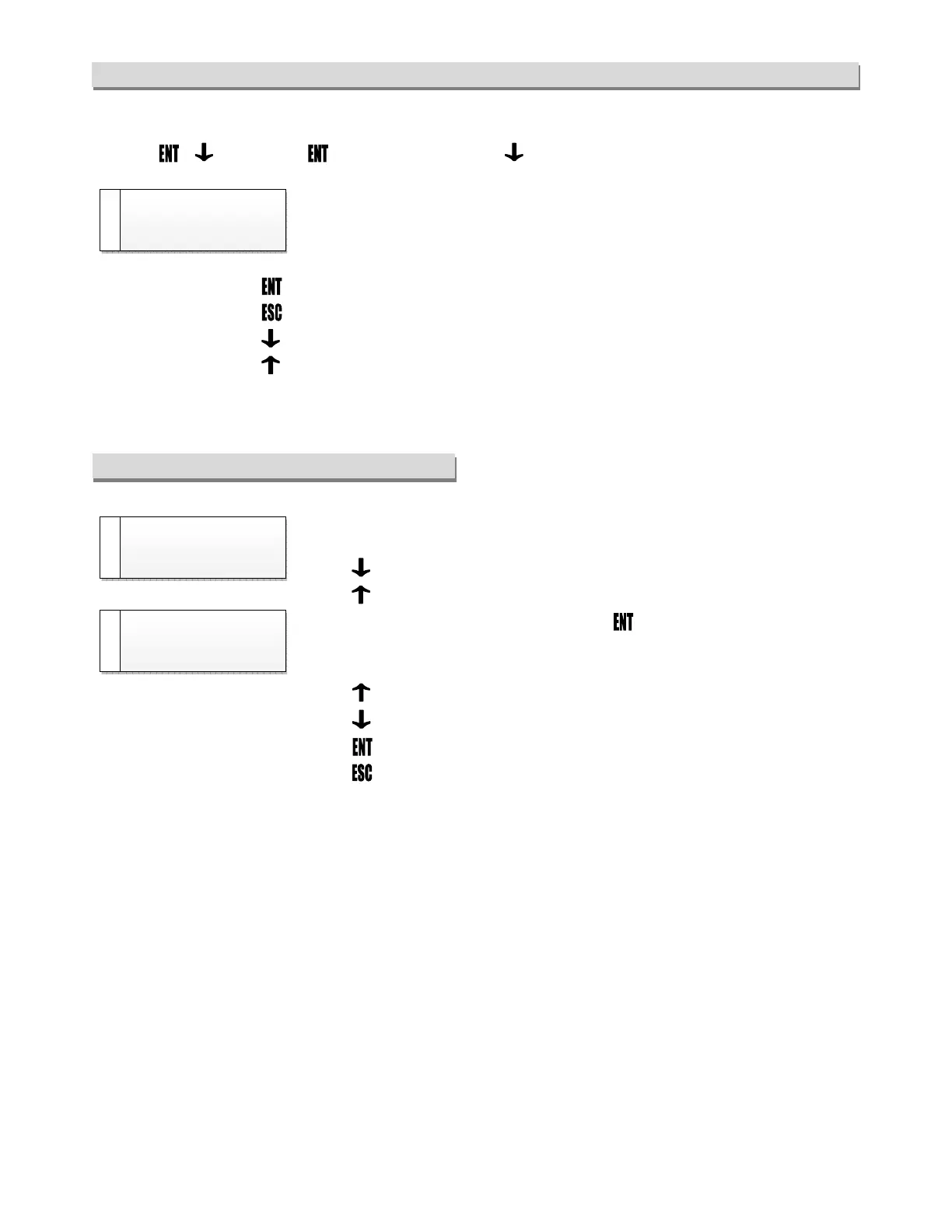
The operating parameters menus can be accessed from any visualization of the state menu, by pressing together
the keys + (hold the key pressed and press the key ).
The menu windows include the menu name and the corresponding [identifying
code].
The second line of the display is dotted.
• Press the key to enter the parameters of the visualized menu;
• Press the key to return to the state menu;
• Press the key to go to the next menu;
• Press the key to return to the previous menu.
PARAMETERS READING AND EDITING
The parameters windows display the name of the parameter, the [identifying code]
of the corresponding menu, the value of the parameter and the unit of measure.
• to go to the parameter below;
• to go to the parameter above.
To change the value of the parameter press , the arrow and the value of the
parameter in brackets mean that the system is in the parameter editing mode, edit
the value by pressing the following key:
• to increase the value
• to decrease the value
• to save.
• to return to the parameter;



 To Next Page