Operation
1
Additional Functions
FULL GO Function
If this function is selected, the robot vacuum is
rogrammed to continue cleaning once it is fully
charged.
1. Press “SET”. The robot must be switch on.
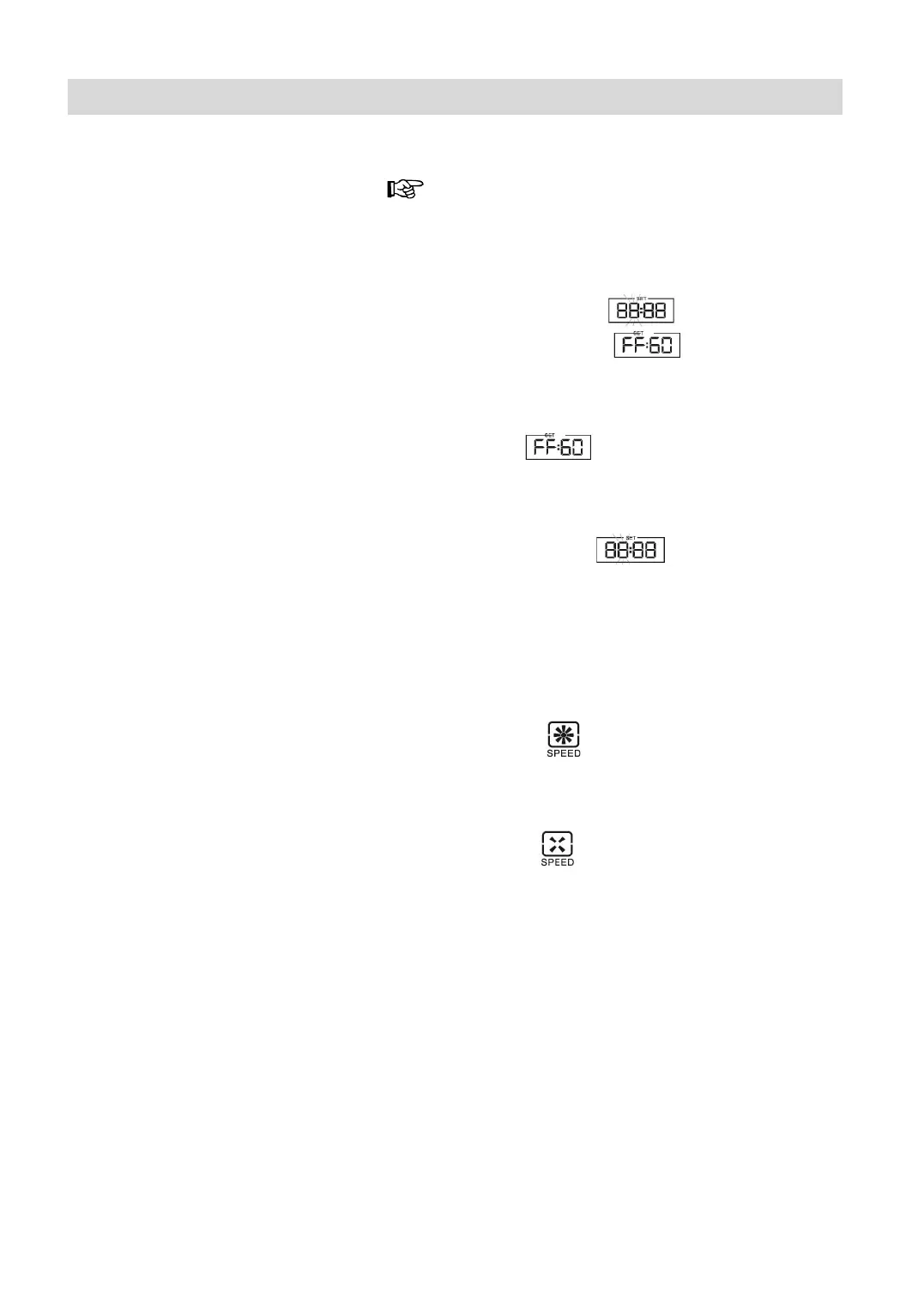
2. Screen shows “
“ flashing, then press
„STOP”, screen shows “
“.
Which means the robot enters into “FULL GO” situa-
tion (means robot make auto cleaning after fully
charged).
Screen shows “
“ situation, so the previous
appointment canceled.
3. Press “SET” again, “FULL GO” function can-
celed, screen shows “
“ flashing, can engage
in other settings.
Speed function
. Press “SPEED” to choose fast clean
Screen shows: „
“.
2. Press “SPEED” again to choose slow clean.
Screen shows:„
“.






 To Next Page