Cleaning and care
19
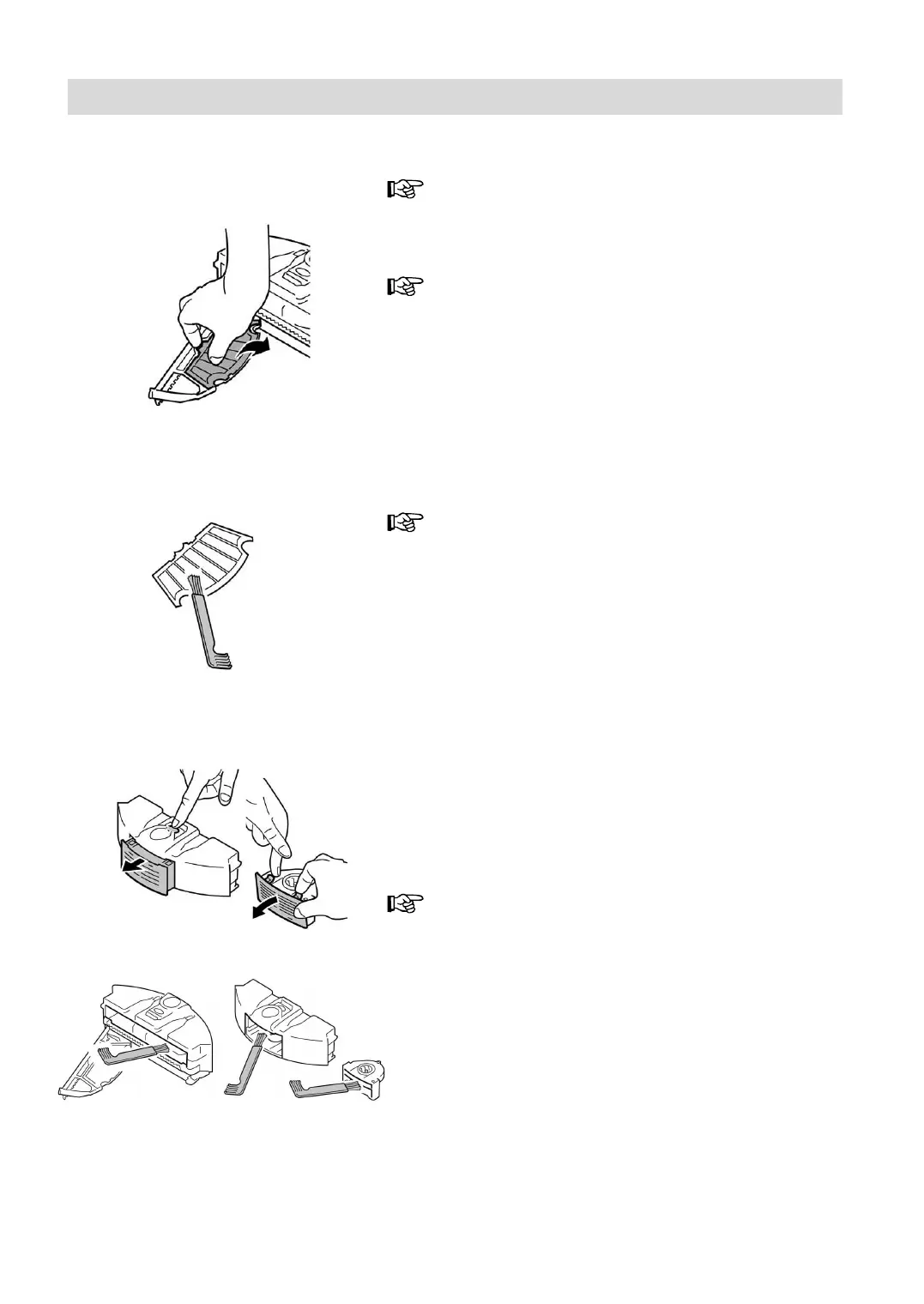
Fig. 17
Fig. 18
Fig. 19
Fig. 20
Filter cleaning and replacement (7)
It is advisable to inspect the filter regularly, to
check that it is working properly. Clean the filter thor-
oughly if you detect a reduction in the appliance’s
vacuuming capacity.
It is advisable to replace the filter once or twice a
year, depending on how often the appliance is used.
1. Empty the dust container as shown in the “EMPTY-
ING THE DUST CONTAINER (11)” section.
2. Remove the filter (7). Press the semi-circular holder
with one hand to remove the used filter from the holder
(Fig. 17).
3. Gently shake the removed filter against the side of
the rubbish bin to dislodge excess dust and dirt.
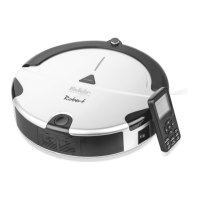
Never use the robot vacuum without the filter (7).
4. Clean the filter using the cleaning brush (6) (Fig.
18).
5. Return the clean filter, or new filter if necessary, to
its holder.
Cleaning the dust container (11)
1. Press the button (13). This releases the vacuum
module (15) (Fig. 19).
2. Turn the vacuum module round, release the two
tabs and remove the lid.
3. Clean the interior of the container using the cleaning
brush (6) (Fig. 20).
4. Use the cleaning brush to clean the vacuum module
(15) and the air intake and outlet unit (Fig. 20).
Do not clean the vacuum module with water.
5. Fit the dust container into the body of the appliance.
Press on the container until you hear a click, which
indicates that it is properly fitted to the body.






 To Next Page