Ÿ Risco LightSYS 2
Refer to Appendix A
To change the serial port format:
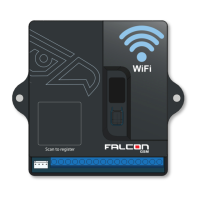
Ÿ Remove power from the Falcon Fusion
Ÿ Hold down the push-button and re-apply power
Ÿ Push the button to cycle through the panel serial port settings
until the correct serial port is displayed
Ÿ Leave the button for 15 seconds. The will Falcon Fusion
remember the new serial port format
See table on next page.
Falcon Fusion Installation and Operation Manual I
15



 To Next Page