23
24
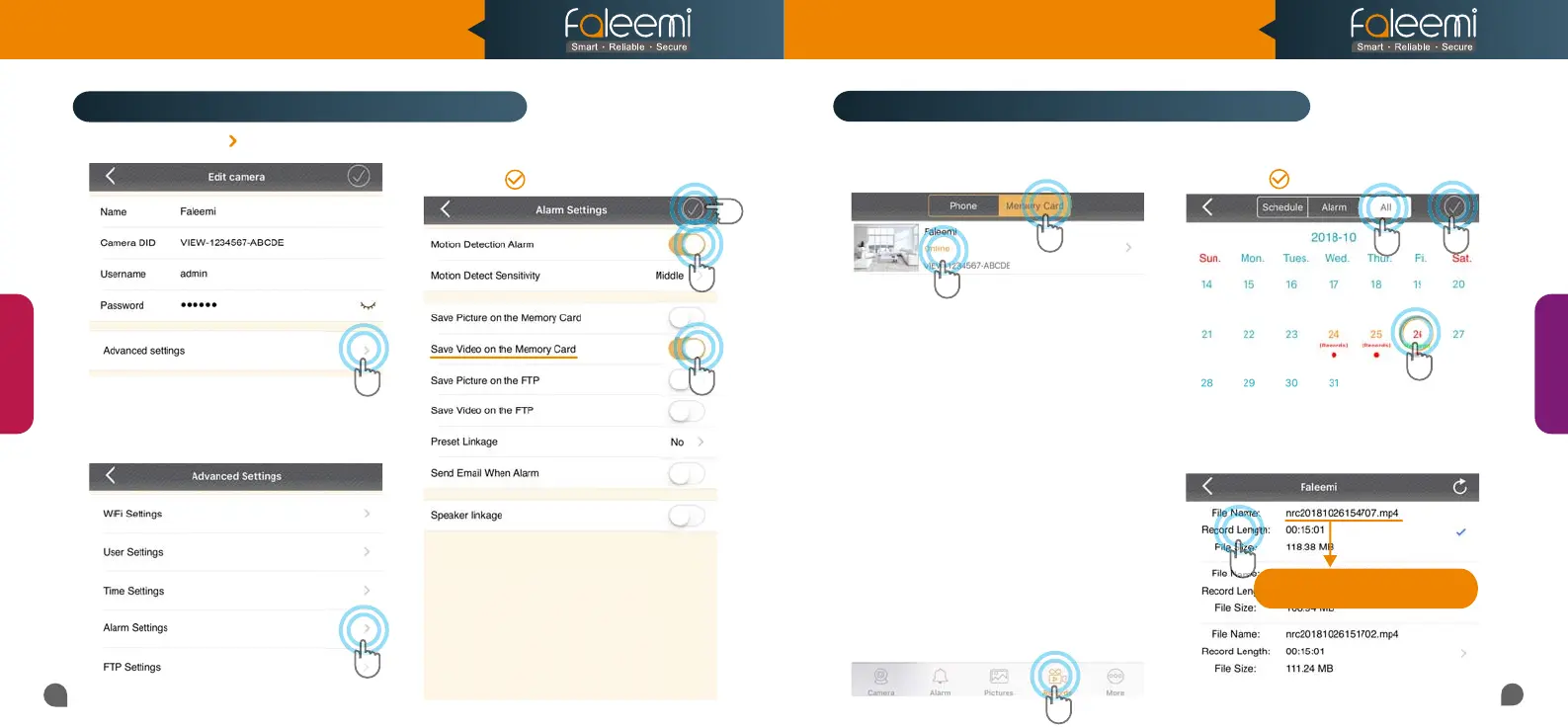
2. Click on [Alarm Settings].
1. Click on the icon [ ].
How to record alarm video to the memory card?
How to view the recorded video on memory card?
4. Click on [All], Select recording.
5. Select Date.
6. Click on [ ].
1. Click on [Records].
2. Click on [Memory Card].
3. Click on [Camera].
1
2
3
4
5
3. Enable [Motion Detect Alarm].
4. Enable [Save Video on the Memory Card].
5. Click on [ ].
7. Click on the file to playback the recorded video.
1
2
5
4
7
6
Tips:
3
View
Record
NRC 2018/10/26/15:47:07.mp4
NRC YEAR/MONTH/DAY/START TIME
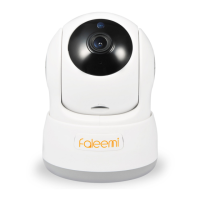
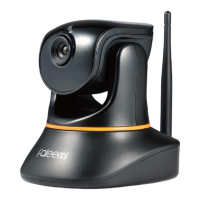
Model: FSC776B/W
Quick Start Guide
HD Pan/Tilt Wireless Network Camera


 To Next Page