25
26
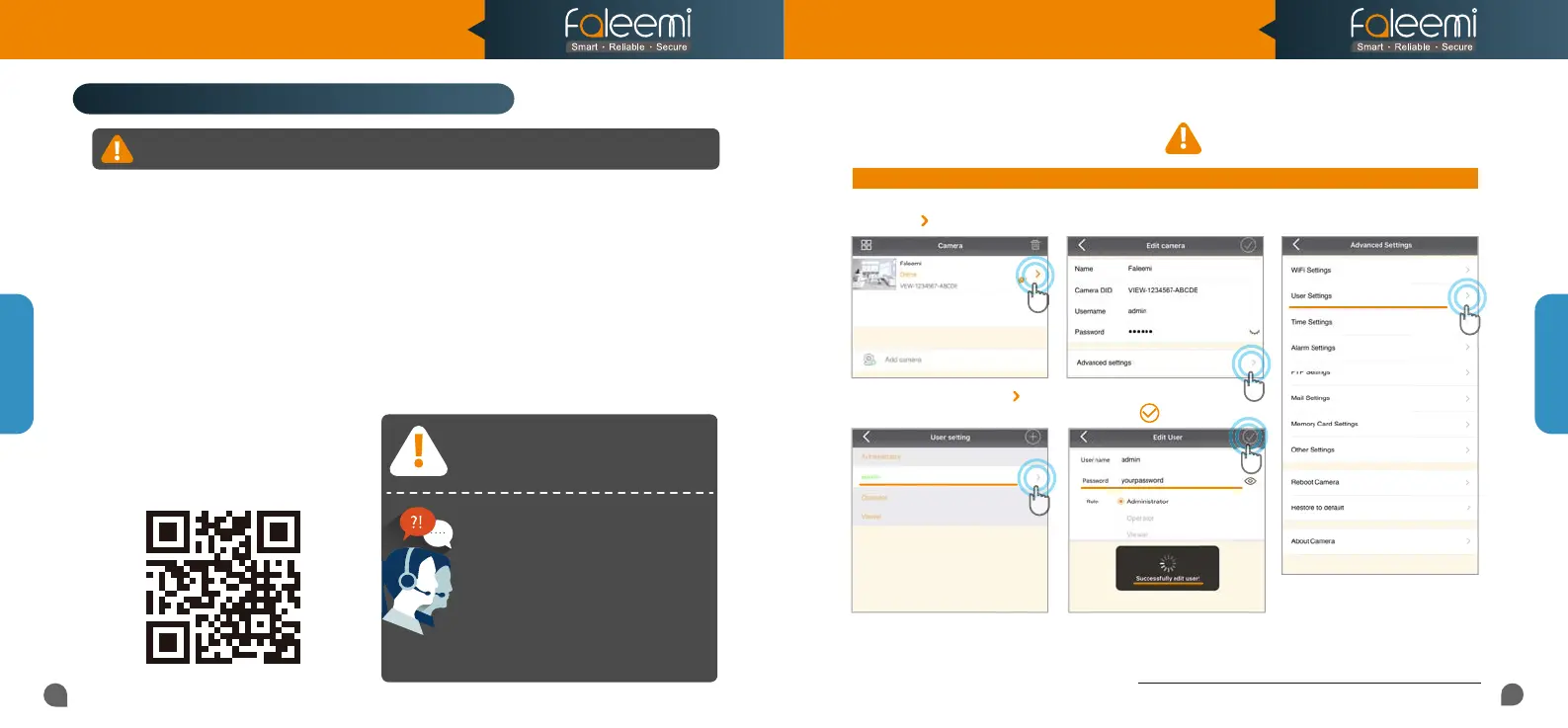
4. Select [admin], Click on [ ].
Troubleshooting Frequently Asked Questions
Note: If you already use the Faleemi app, make sure that you are using the latest version.
To find the updates, please go to the App store (ios) or Google Play (Android) and search for Faleemi.
1. How do I change my camera password?
Record your new password here:
5. Enter your new password,
Click on [ ].
For more setting guides,
Please visit our website:
https://www.faleemi.com/faq
To ensure the security of your camera, you are suggested changing the default password.
2. Click on [Advanced Settings].
1. Click on [ ].
3. Click on [User Settings].
Q&A
Q&A
1. If you see the blue light goes off instead of solid on, the WiFi password you just input may be wrong.
Please hold the reset button down for 3 seconds again until you see the blue light is blinking and do the
setup again.
2. If your WiFi password was correct but still failed, the WiFi you were connected may be 5GHz WiFi.
3. If all your WiFi and password were correct, it is still failed, there may be the special characters # ; \ in
your WiFi SSID or password.
If you are not sure, please go to your router settings to find this out.
If you don’t know how to go to your router settings, please visit our website
www.faleemi.com/blocks/router to find the instructions.
If the setting is failed, please find
below solution or contact us by
Email: support@faleemi.com
Skype: support@faleemi.com
Phone: 213 293 3560
EDT: 6am~11am, 8pm~11pm
PDT: 6am~8am, 5pm~12pm
When you call us, please wait some more
When you call us, please wait some more
moment until we pick up the phone.
moment until we pick up the phone.
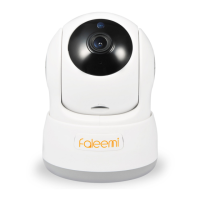
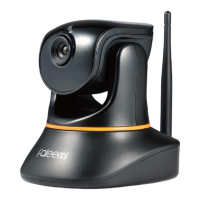
Model: FSC776B/W
Quick Start Guide
HD Pan/Tilt Wireless Network Camera



 To Next Page