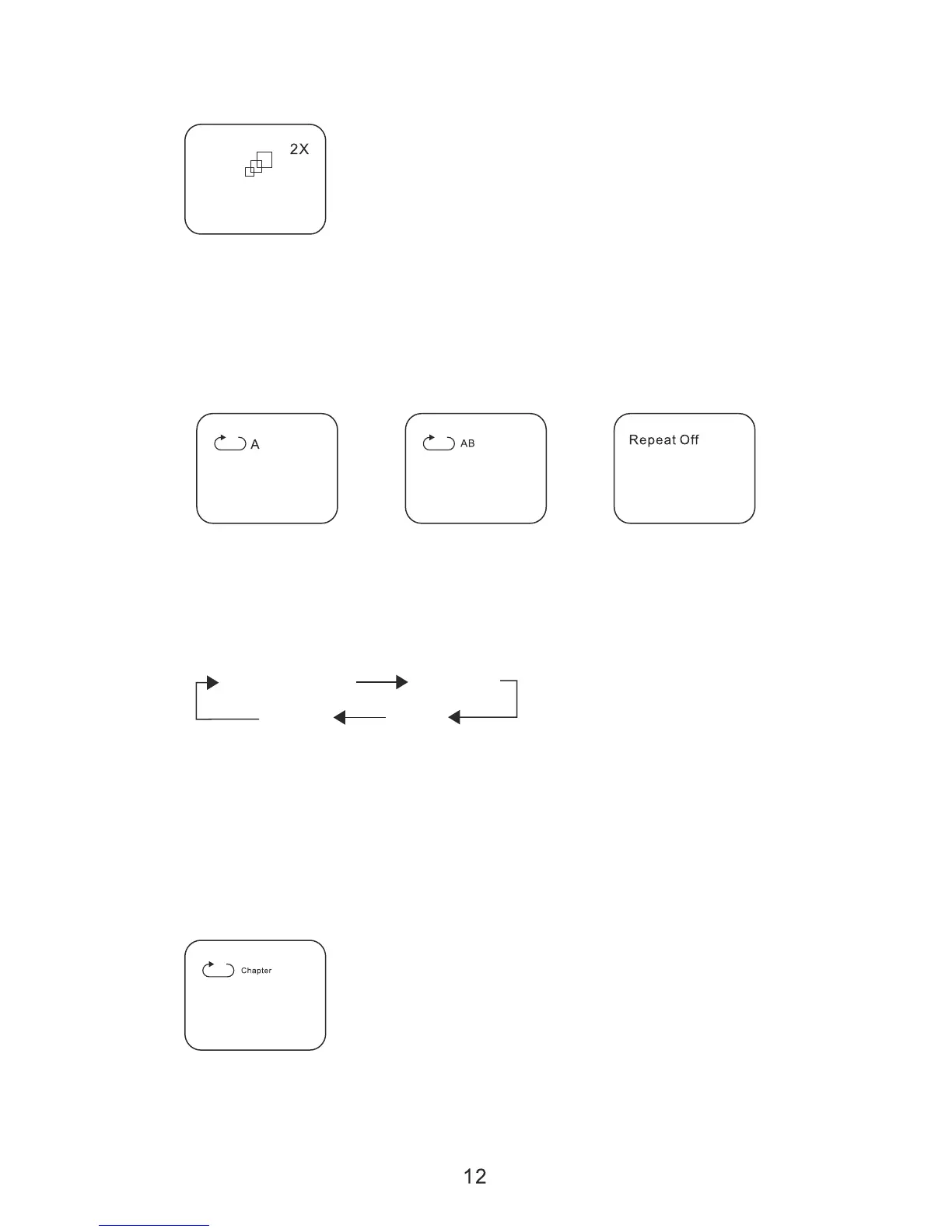
During playback press “ZOOM” to enlarge the picture by 2X, 3X or 4X with
the current zoom multiple.
6. A-B REPEAT
a. During playback press a first time “A-B” to set the Starting Point A.
b. Press “A-B” a second time to set the Ending Point B and player will
repeatedly play the part between Point A and Point B.
c. Press “A-B” a third time to cancel “A-B” repeat and resume normal
playback.
A-B Repeat Starting Point A-B Repeat Ending Point A-B Repeat Cancelled
7. 1/ALL REPEAT
a. During playback press “REPEAT” constantly to see the repeat mode as
right.
Chapter: Repeat the current chapter.
Title: Repeat the current title.
All: Repeat all chapters and titles.
Off: Resume normal playback.
The “Chapter” repeat display shows below for example:
Chapter Title
off All
Chapter Repeat
C. Playback MP3/MPEG-4 Disc:


 To Next Page