Press MENU button to display the MAIN OSD MENU.
Press ▲/▼ button to select the MENU you want.
Press ENTER button or ► button to enter the sub menu, and press ◄ button to return
back to the previous menu.
Press ▲/▼ button to select the option and then press ENTER button or ► button to
enter the submenu, press ◄/► button to adjust the value or press ◄/► button to select
within the submenu.
You can press MENU button to save and return back to the previous menu, and press
EXIT button to exit from the menu.
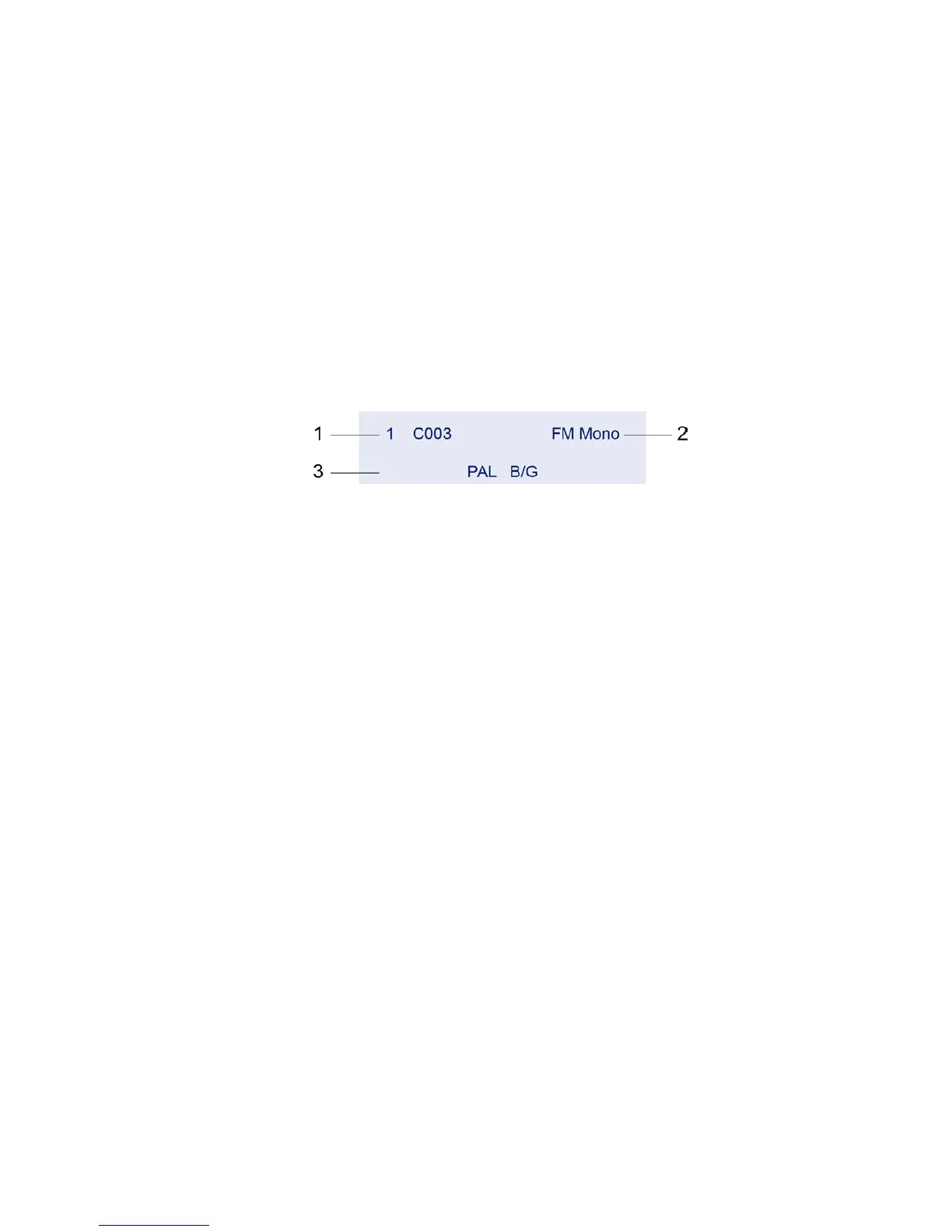
Press INFO button on the remote control to display program information.
1. Current program number.
2. The NICAM mode of the current program.
3. The sound system of the current channel can be changed in the Analog Manual Search
menu.



 To Next Page