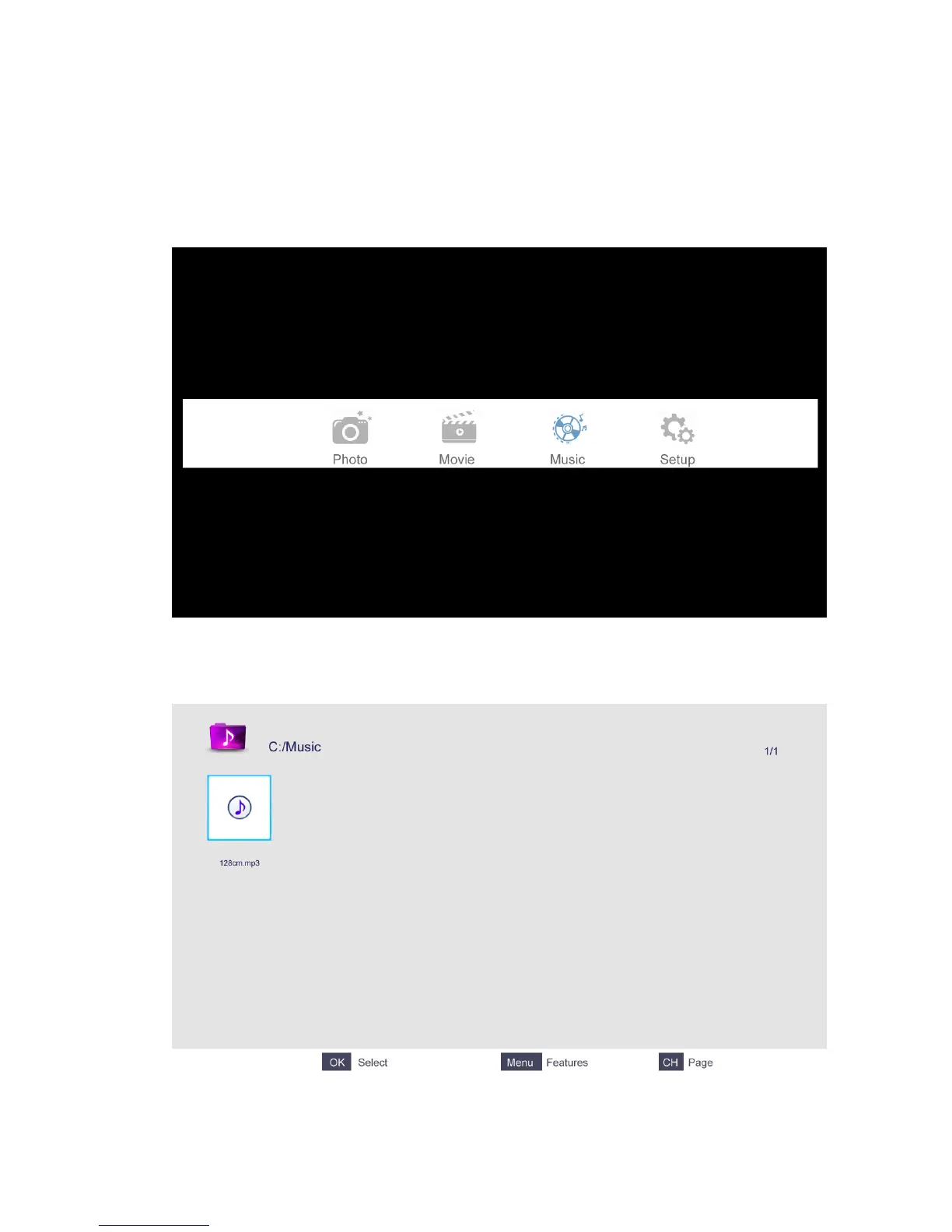
5.3 Music
The picture is for a reference only; the actual items are the ones appearing in your TV.
Press ◄/► button to select Music in the main menu, and then press ENTER button to enter.
Press EXIT button to return to the previous menu.
Press ▲/▼ button to select the song you want to listen to, and then press ENTER or ►║ or
► button to play.
Press ◄ button to return to the previous menu.
You can see the information of the current playing song on the left of the menu.



 To Next Page