User can press the number keys to set the frequency, or automatically search the
frequencies.
Modulation
User can press ◄/► button to select the Modulation: 16QAM/ 32QAM/ 64QAM/ 128QAM/
256QAM.
Symbol Rate
User can press the number keys to set the symbol rate, or automatically search for a symbol
rate.
After completing the above settings, user can start channel search.
4.5.7 upgrade
Press ▲/▼ button to select Upgrade.
4.5.8 Channel Details
Press ▲/▼ button to select Channel Details.
4.5.9 Reset TV
Press ▲/▼ button to select Reset TV, and then press ENTER to enter the sub menu, enter
the password if locked, and then you can restore factory settings.
4.5.10 Shopping mode
Press ▲/▼ button to select Shopping mode.
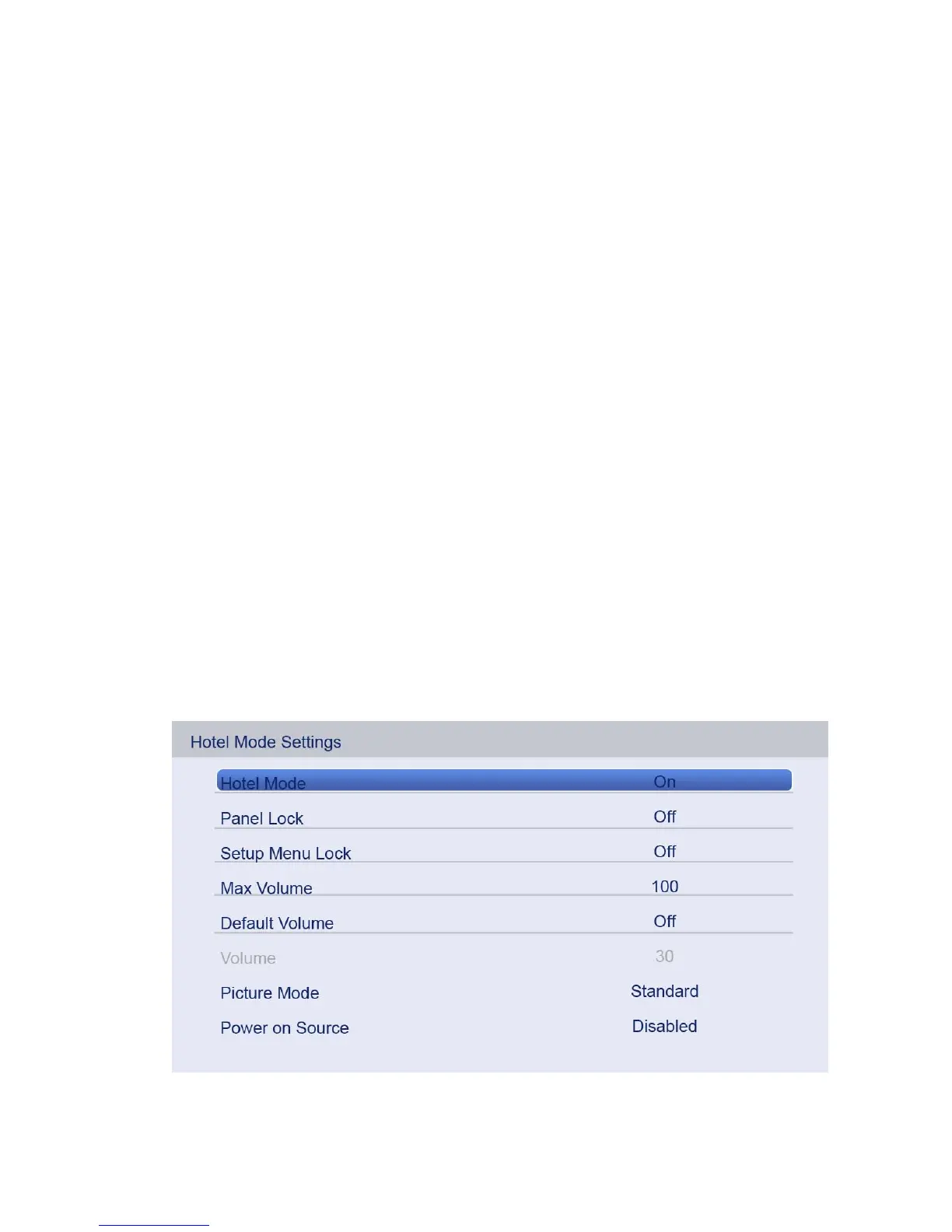
4.6 HOTEL MODE SETTINGS
1. How to enter and exit the hotel mode menu:



 To Next Page