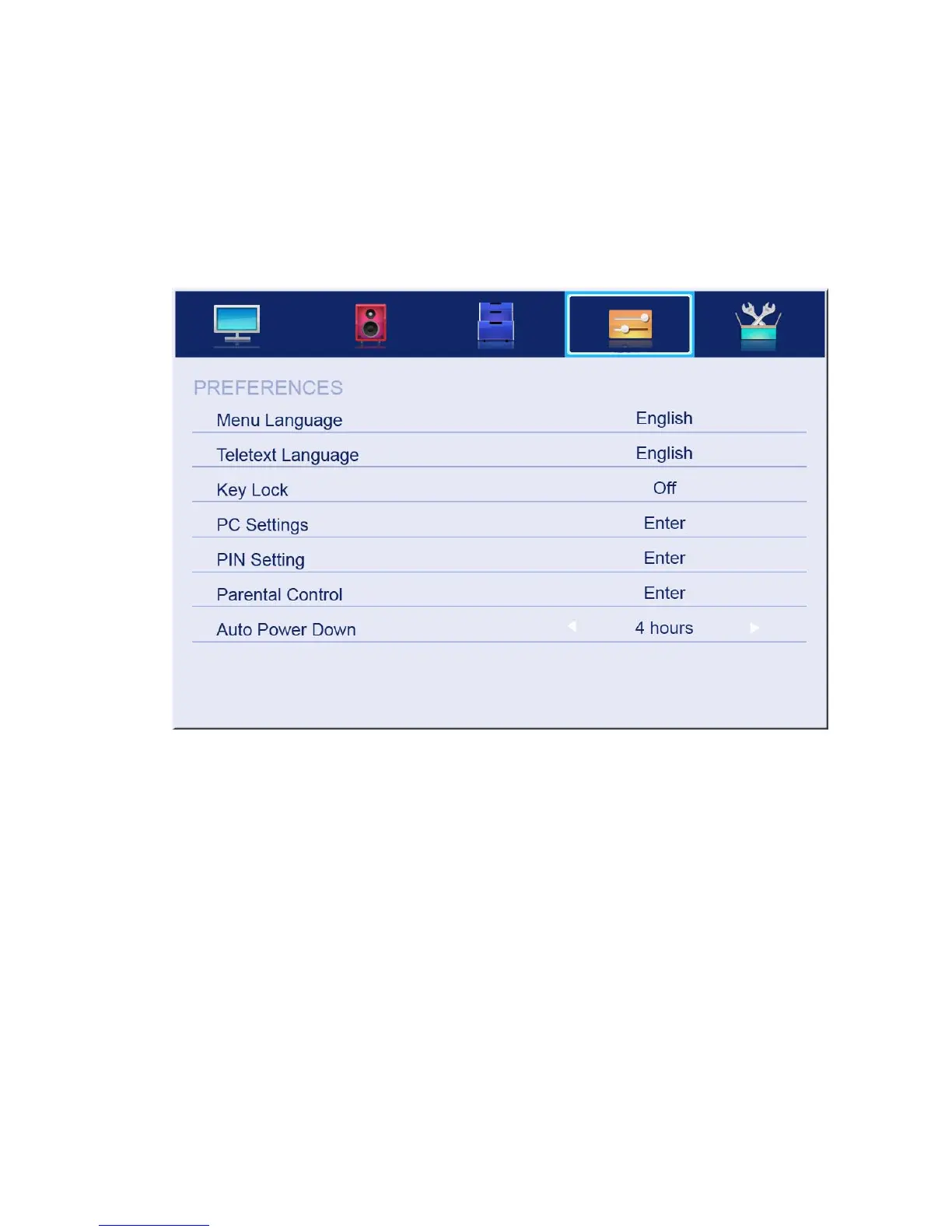
4.4 PREFERENCES
The picture is for a reference only; the actual items are the ones appearing in your TV.
Press MENU button to display the main menu.
Press ▲/▼ button to select PREFERENCES in the main menu, and then press ENTER or ►
to enter.
1. Press ▲/▼ button to select the option that you want to adjust in the PREFERENCES
menu, then press ENTER to enter.
2. Press ◄/►button to adjust or press ▲/▼ button to select.
3. After finishing your adjustment, press MENU button to save and return back to the
previous menu and press EXIT button to exit from the menu.
4.4.1 Menu Language
Press ▲/▼ button to select Menu Language, then press ENTER or ► button to enter the
submenu, then press ▲/▼ button to select, then press ENTER or ► button to confirm.
4.4.2 Teletext Language
Press ▲/▼ button to select Teletext Language, then press ENTER or ► button to enter the
submenu, then press ▲/▼ button to select, then press ENTER or ► button to confirm.
4.4.3 Key Lock
Press ▲/▼ button to select Key Lock, then press ENTER button to enter and press
◄/►button to select ON or OFF.



 To Next Page