By pressing the number keys and the direction keys, user can set the channel, date, start
time, repeat, operation and record length information in this menu.
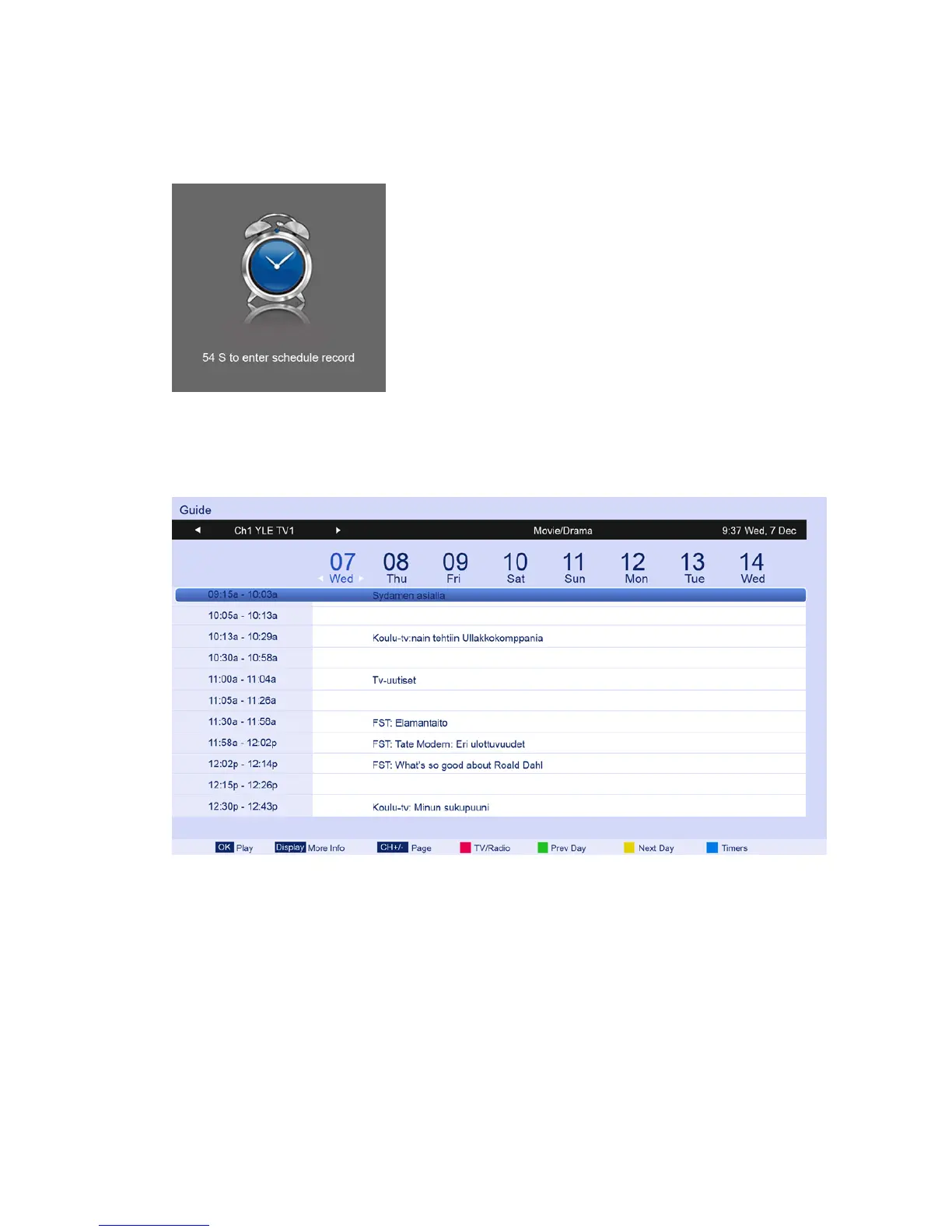
When approaching the preset time, the screen will show a countdown to remind the user.
4.3.11 Guide
Press ▲/▼ button to select Guide, and then press ENTER button to display the EPG
programs list, as follows:
User can also press the EPG Button on the remote control to display the EPG programs list.



 To Next Page