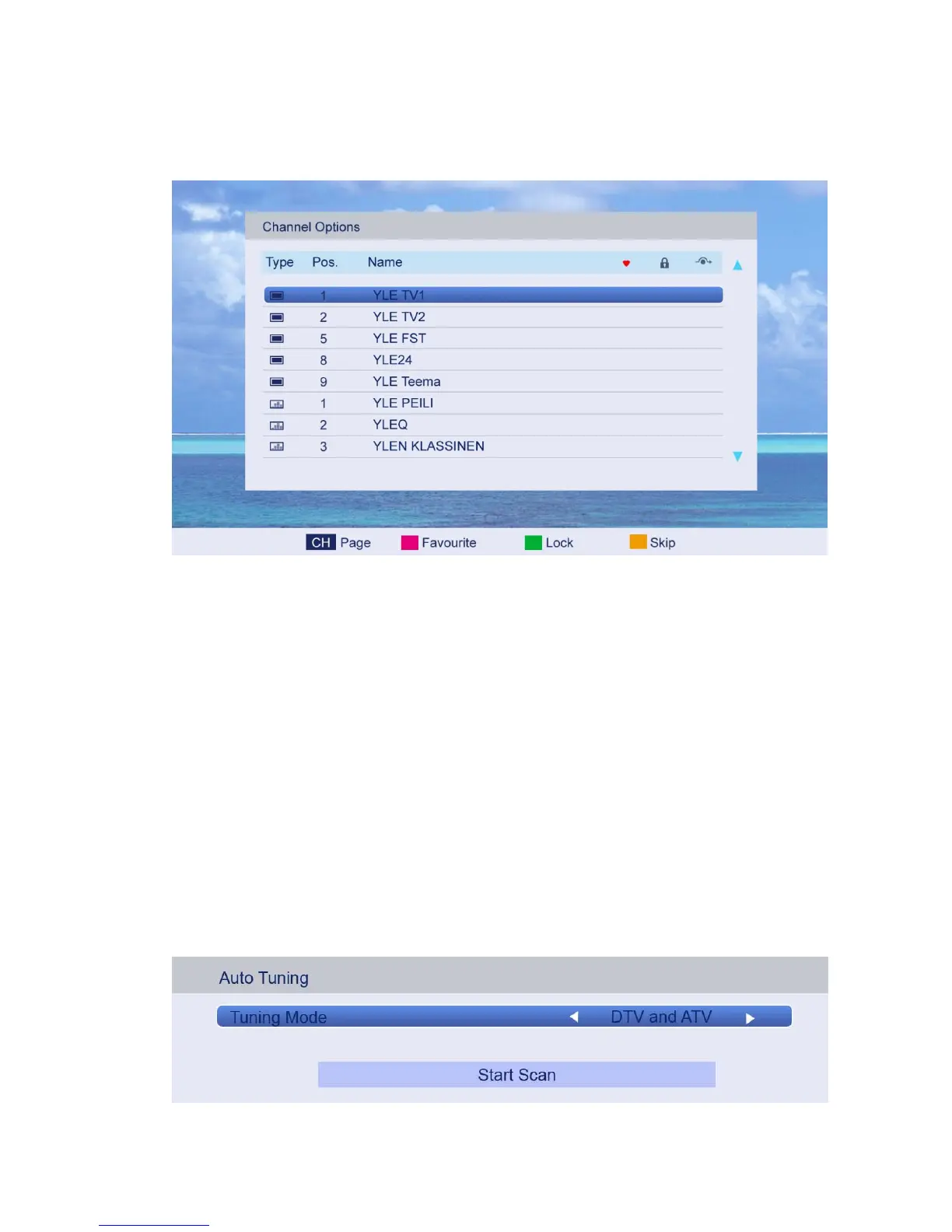
4.3.2 Channel Options
Press ▲/▼ button to select Channel Options, and then press ENTER button to go to the
channel List menu. The menu will appear as follows:
Key Description:
CH button: Press CH+ or CH- to turn the page.
RED button: Press this button to set the favorites channels.
GREEN button: Press this button to lock a channel.
YELLOW button: Press this button to skip a channel. If the channel is already skipped, press
YELLOW button to cancel skip.
4.3.3 Country
Press ▲/▼ button to select Country, and then press ◄/►button to select the area you live.
4.3.4 DTV Type
Press ▲/▼ button to select DTV Type, then press ◄/► button to select.
(Available DTV Type: Cable, Terrestrial)
4.3.5 Auto Tuning
Press ▲/▼ button to select Auto Tuning, and then press ENTER button to enter
(When the System Lock is on, please enter the PIN code to unlock).



 To Next Page