Country
Select your country of residence.
Antenna power
Enable Antenna Power if an external active antenna is connected.
Time Setting
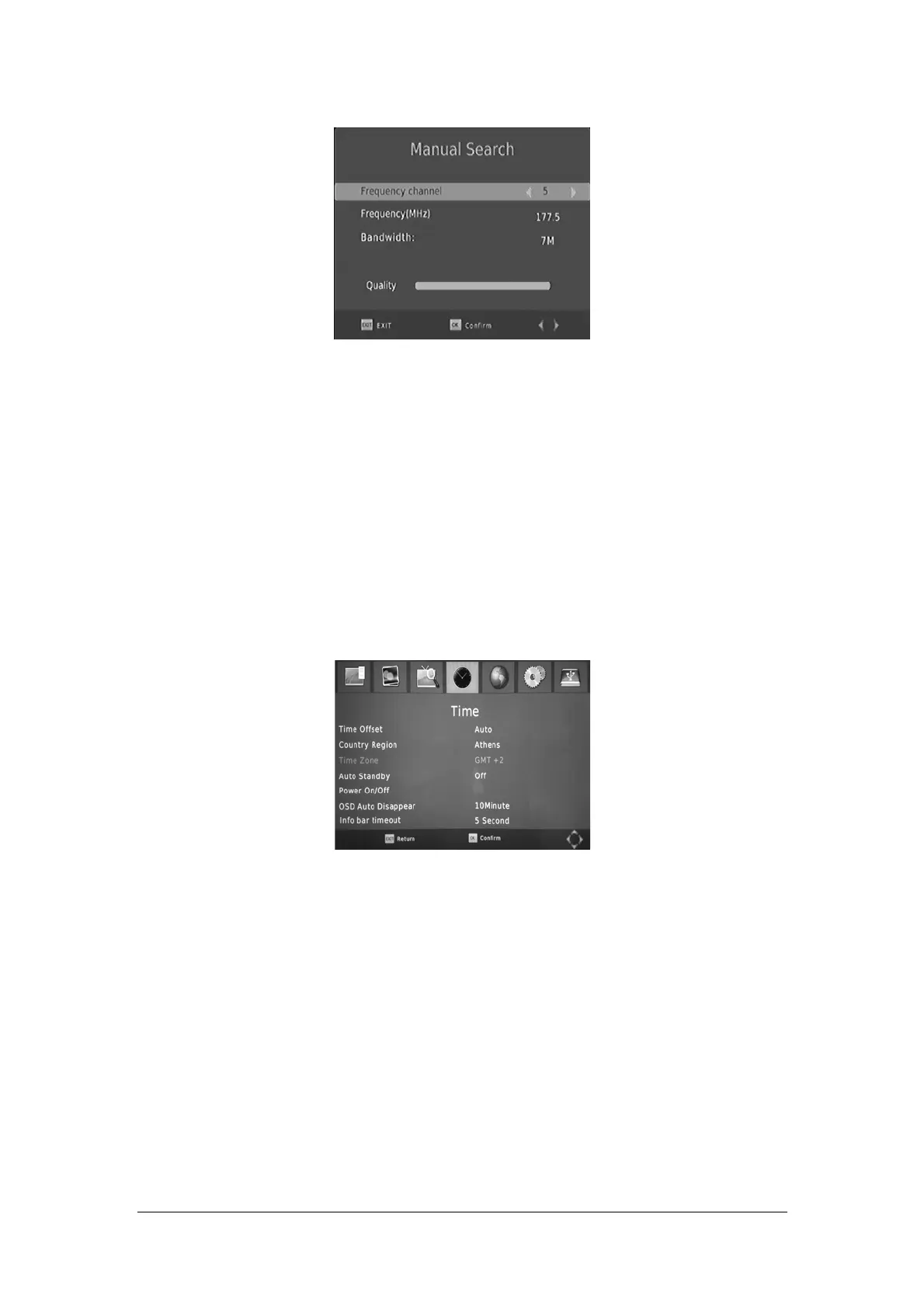
To access the Menu, press MENU then select [Time] using the RIGHT/LEFT keys.
The Menu provides options to adjust the time settings.
Press UP/DOWN to select an option and press RIGHT/LEFT to adjust the settings. Press EXIT
to exit the menu.
Time offset
Select auto or manual for GMT offset adjustments.
Country Region
Select the Country Region when [Time Offset] is set to Auto.
Time Zone
Select the
Select the OSD Auto Disappear time.
Time Zone Offset when [Time Offset] is set to Manual.
Timer for Power On/Off
OSD Auto Disappear
Select the Info bar timeout time.
Info bar timeout
Press the MENU button on the remote control. enter Time. then select Power On/Off.
13


 To Next Page