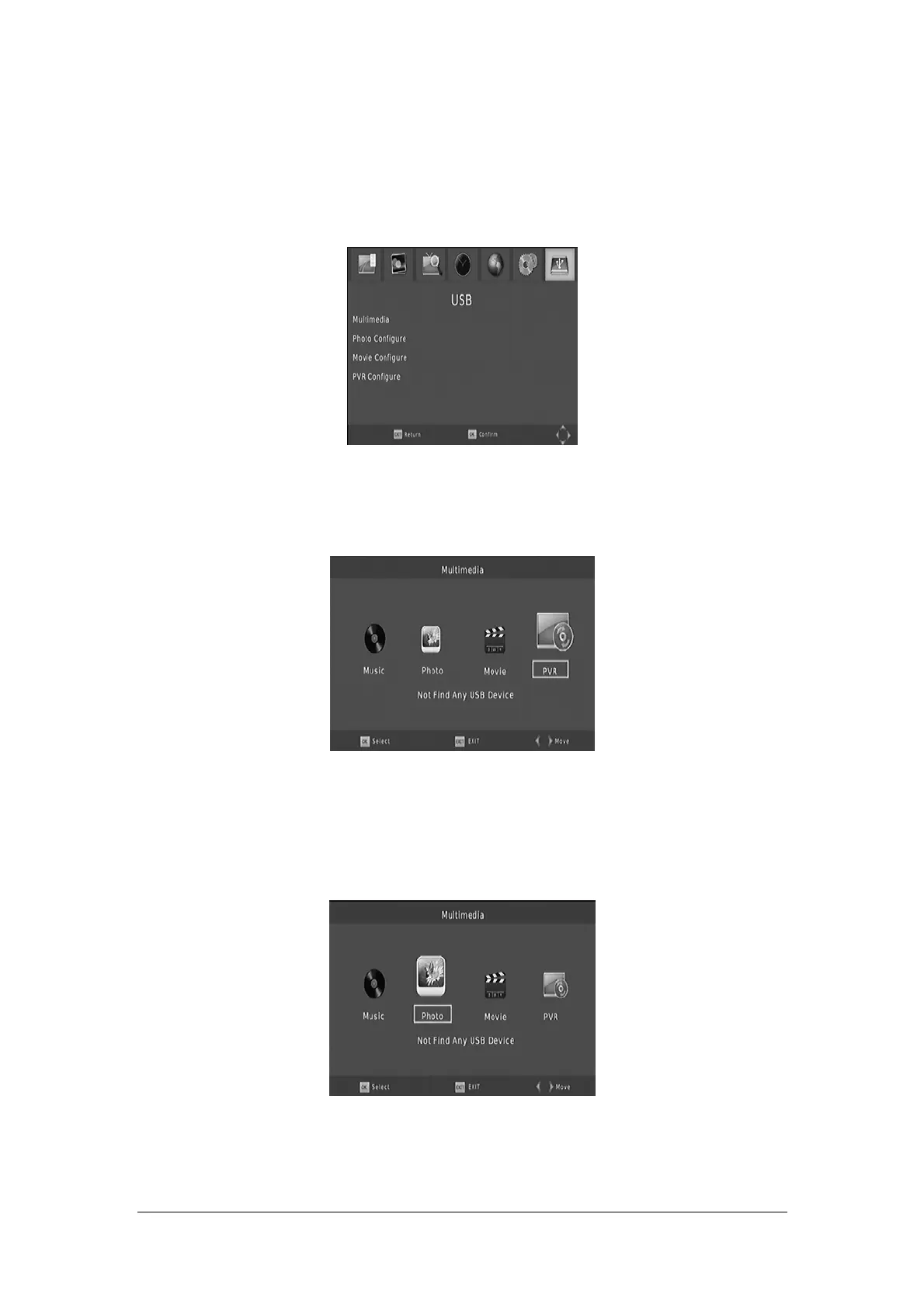
USB
To access the Menu, press the MENU button and select [USB] using the RIGHT/LEFT keys.
The menu provides options to playback Music, Photo and Multimedia files.lt can support AVl,
MP3, WMA, JPEG and BMP formats.
Multimedia:
When a USB device i
s attached you can select from the Music Photo, Movie or PVR options in
this menu using the RIGHT/LEFT keys and OK to select. If a USB device is not connected, the
warning message "No USB device is Found" will appear.
Photo configures:
Slide
T
ime: Adjust slide show interval to 1~8 seconds
Slide Mode: Adjust slide show effect in mode of 0-59 seconds or random
Aspect Ratio:
[Keep]: Play picture in its original aspect
[Discard]: Play picture in full screen mode.
16


 To Next Page