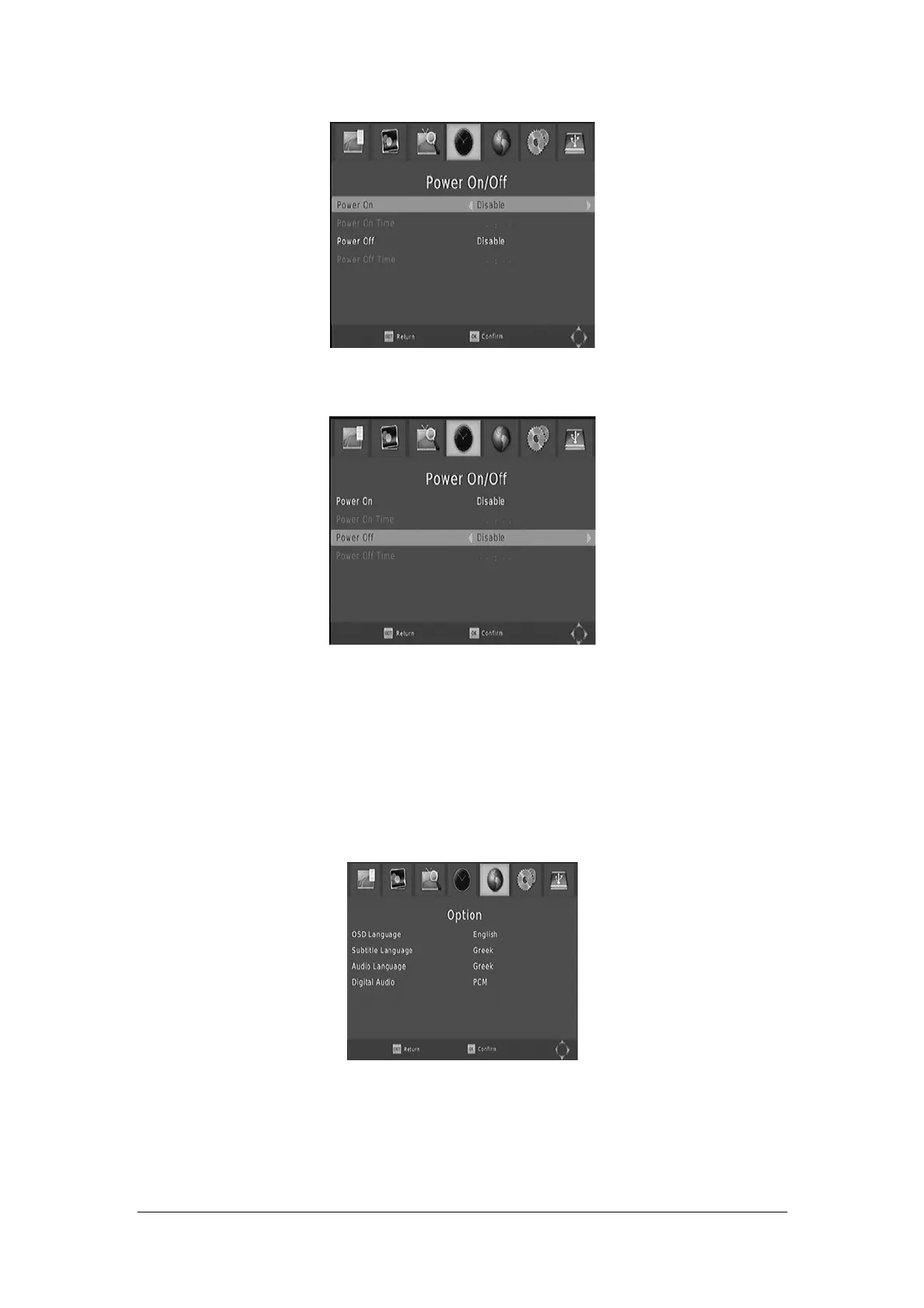
Please set Power On and Power Off as Enable, then move the cursor to set Power On/Off
Time.
After all the settings are made, this screen will appear. Press the OK button to exit
Option
To access the Menu, press MENU and select [Option] using the RIGHT/LEFT keys. The menu
provides options to adjust the OSD Language,Subtitle Language and Audio Language.
Select an option and press RIGHT/LEFT to adjust the setting.
Press EXIT to exit the Menu
OSD (On screen Display) Language
Select an OSD lang
uage
Subtitle Language
Select the preferred subtitle langu
age
14



 To Next Page