Chapter 9 Graph Management
77
F1 Inside F8 OK
1
2
Lead in
Lead In 10.00
Lead Out 10.00
Size 1 100.00
Size 2 100.00
Lead out
F2 Outside
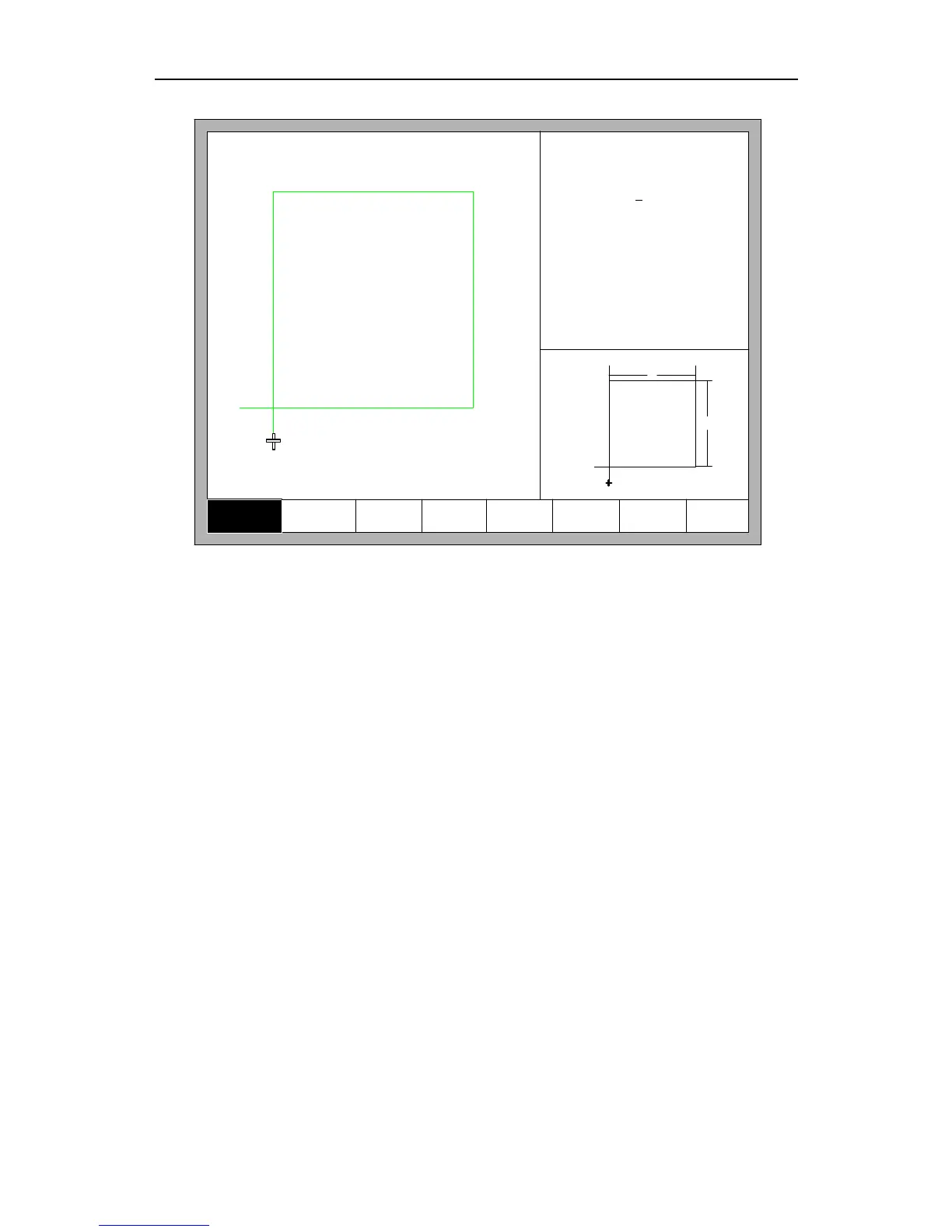
Fig 9.2 Chip size interface
You can press【 ↑】、【↓】、【←】、【→】to modify sizes, after modification , press
【F8】to confirmed.
Press any key to return to graphics processing interface as shown in Fig3.3.
9.2 Film/Hole Size
In Fig 9.2 interface, you can press【F2】to choose hole size, shown as Fig 9.3:



 To Next Page