5. CLEANING, MAINTENANCE & STORAGE4. OPERATING INSTRUCTIONS
A
C
• Before starting any maintenance task, shut down, unplug and let the heater cool
down for at least 15 minutes.
• Do not attempt any electrical repair yourself. If the heater needs service or repair,
contact a qualied persons.
• When cleaning, make sure that water does not enter the unit.
• Do not open the enclosure to clean the inner parts. Do not spray water into the
heater.
• Never use solvents, gasoline, toluene and similar aggressive chemicals to clean
the heater.
Regularly wipe the enclosure using a soft sponge or cloth. For very dirty parts, use a
sponge wetted with lukewarm water and a mild detergent, then dry using a clean
cloth. Regularly inspect the power cable: if worn, cracked or damaged have it
replaced by a qualied persons only.
Before storing the heater, make sure it is perfectly cool and dry. Cover the unit with a
blanket or tarp and store it in a dry, ventilated place.
The following checks are recommended before every seasonal use:
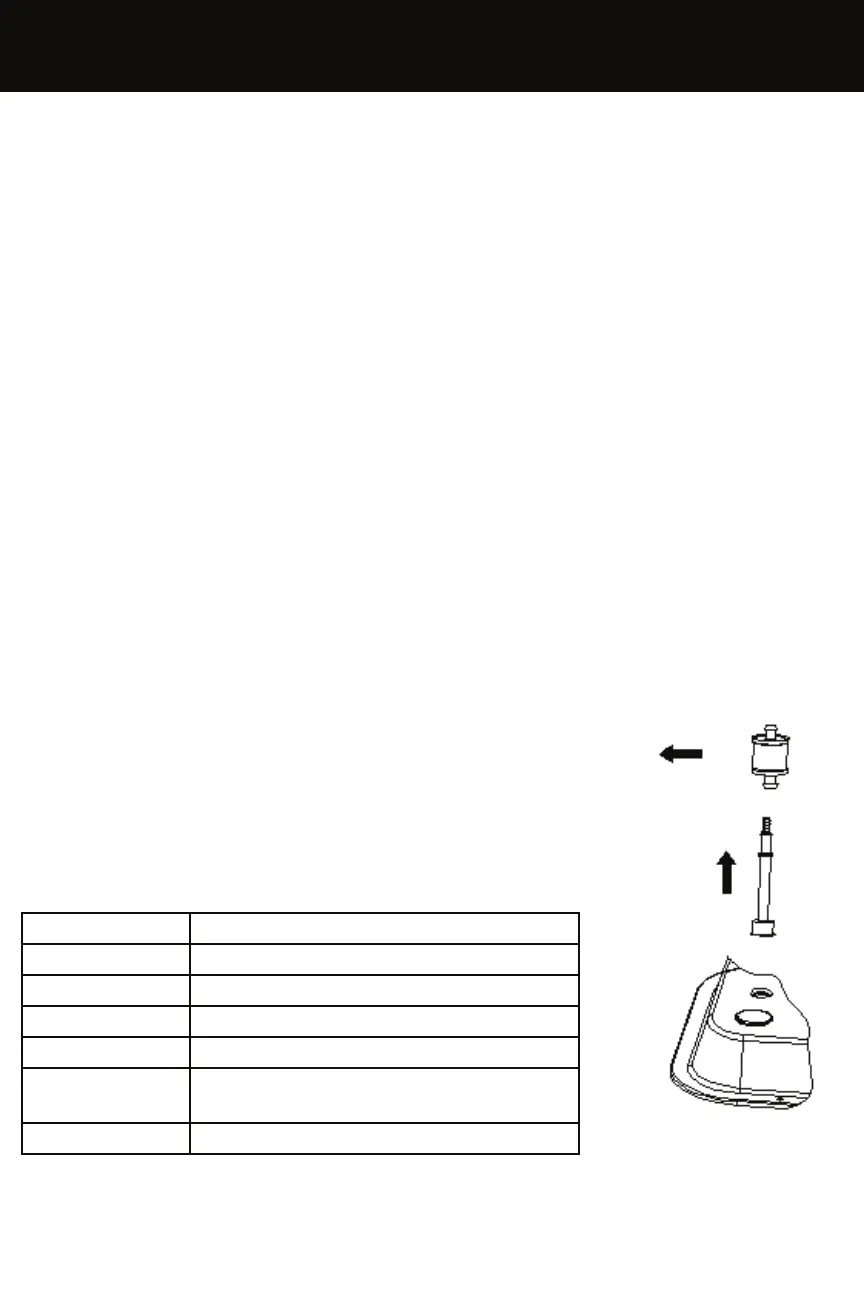
Fuel Filter
• Remove the plug on the fuel tank
• Remove the lter from the tank
• Take out the fuel suction hose
• Clean the fuel suction hose & lter with clean diesel or kerosene
• Replace lter if very dirty
Fuel Tank
• Empty fuel tank
• Flush out fuel tank with clean fuel & dispose of fuel.
MAINTENANCE SCHEDULE
Fig 3.
PART FREQUENCY
Fuel Tank Clean a minimum once a year
Fuel Nozzle Clean or replace once per season
Fuel Filter Clean or replace once per season
Photocell Clean or replace once per season
Ignition Device Clean or replace every 1000 hours of
operation
Fan Blades Clean as required


 To Next Page