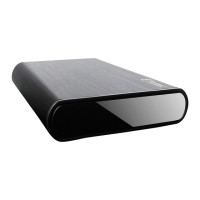
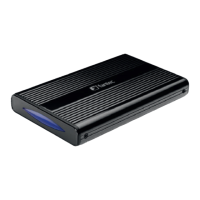
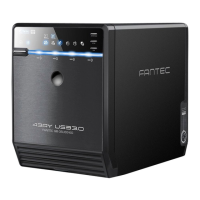
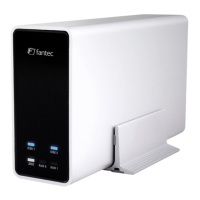
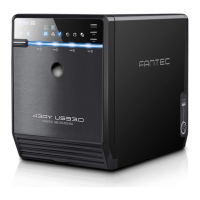
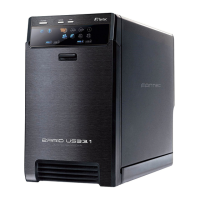
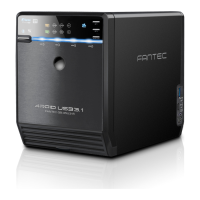
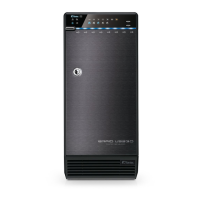
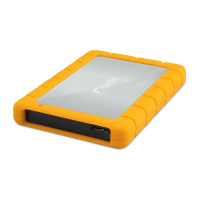
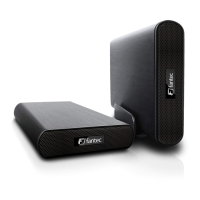
Package contents: FANTEC DB-AluSky U2e, USB Cable 2.0, e-Sata
Cable, CD, Stand, Screws, Power Adapter, HDD fixing Pad, Rubber feet
Hardware Installation Guide
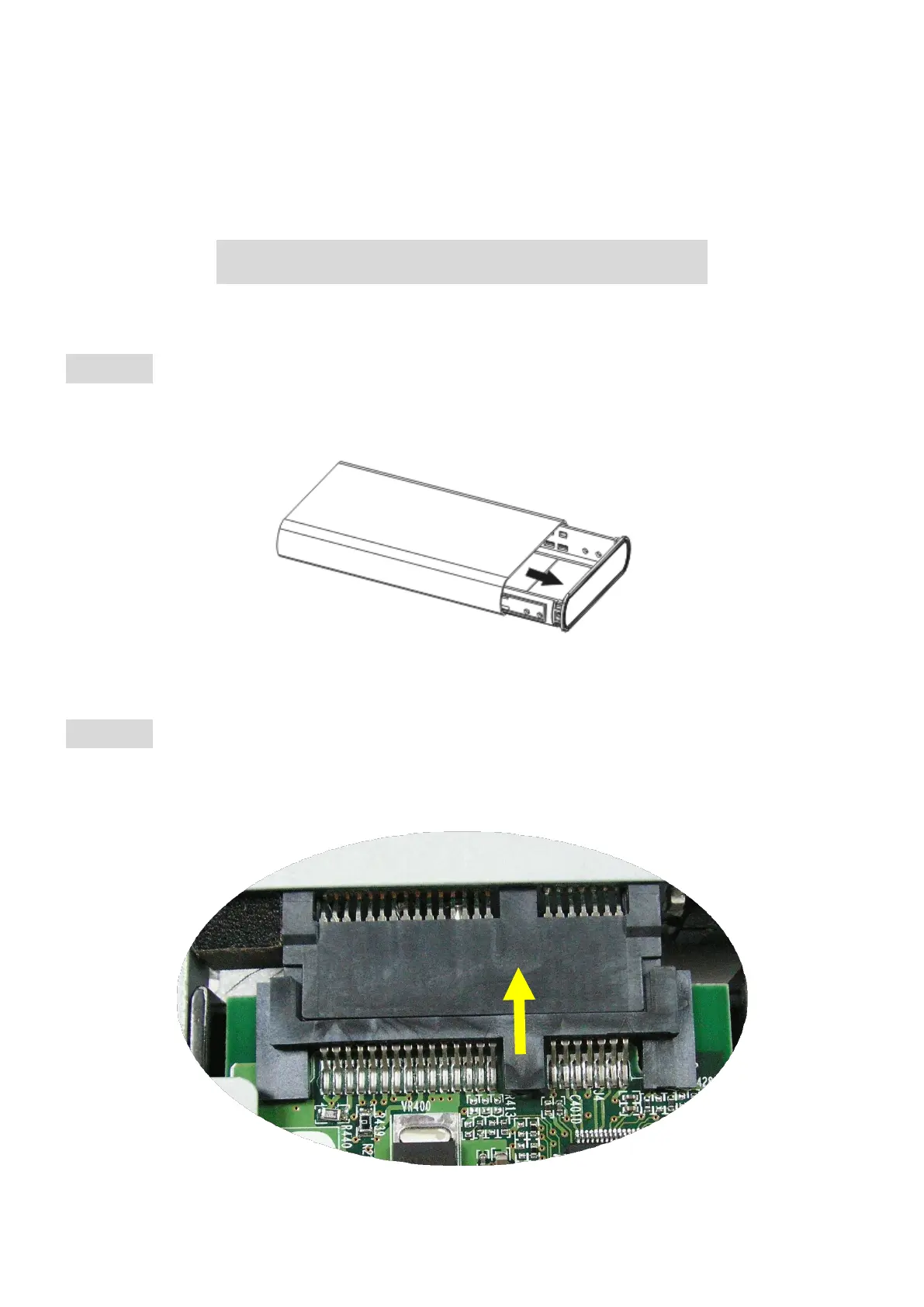
STEP1: Open the enclosure. You will see the internal structure of the
enclosure.
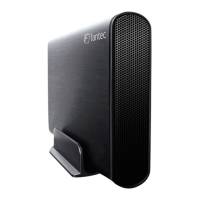
STEP2: Push the HDD towards the electronic board and make sure the
SATA connector is well connected.


 To Next Page