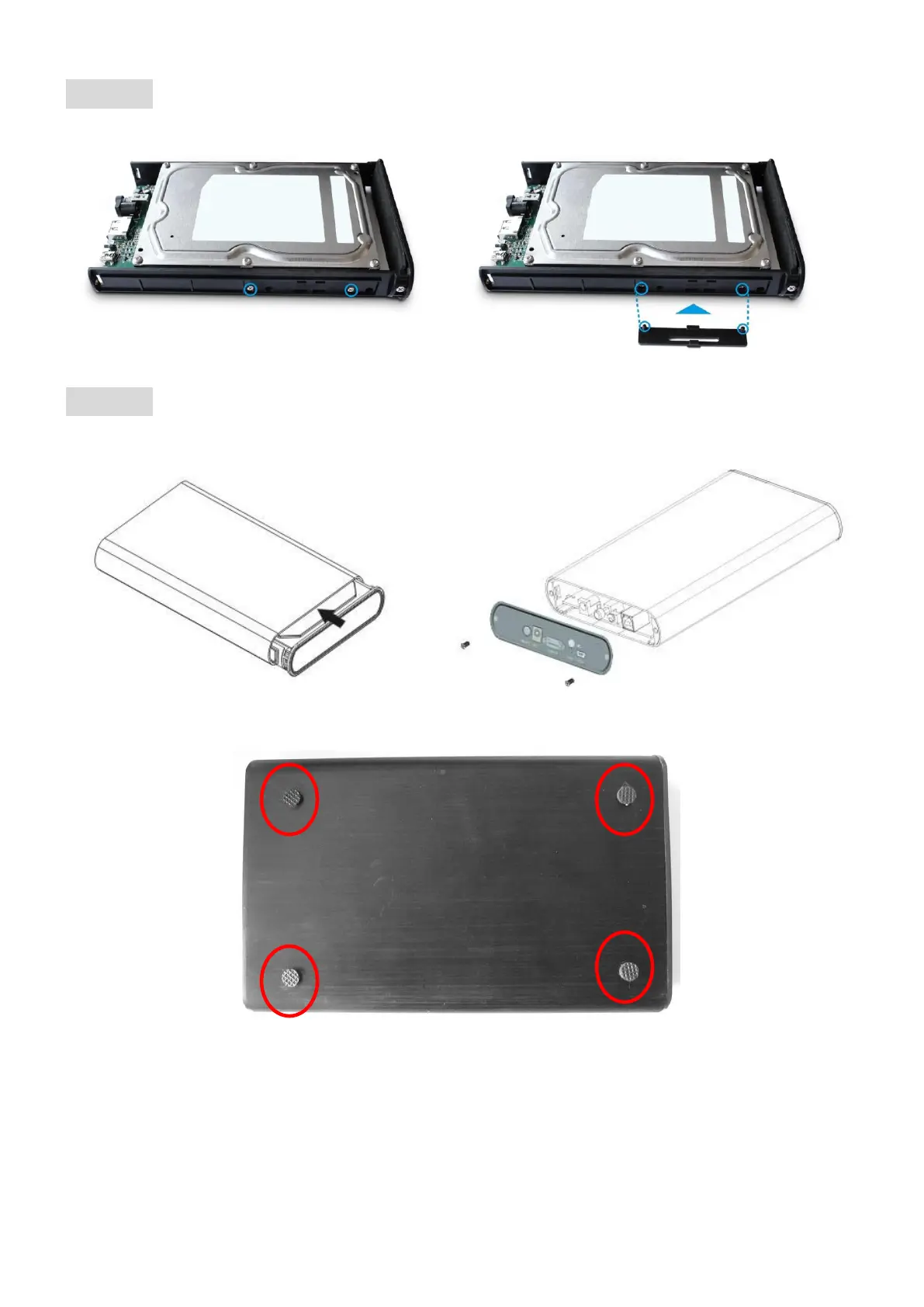
STEP3: Screw the HDD on the tray tightly or use the HDD fixing Pad.
STEP4: Close the enclosure and screw the rear cover back.
The assembling process is accomplished.
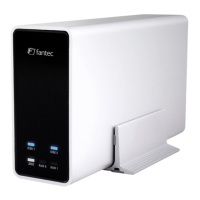
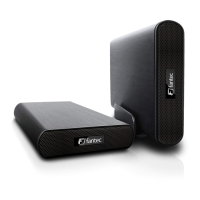
You can use the stand for vertical positioning. If you want to use the device horizontally,
please mount the enclosed rubber feet at the bottom of the case.


 To Next Page