10
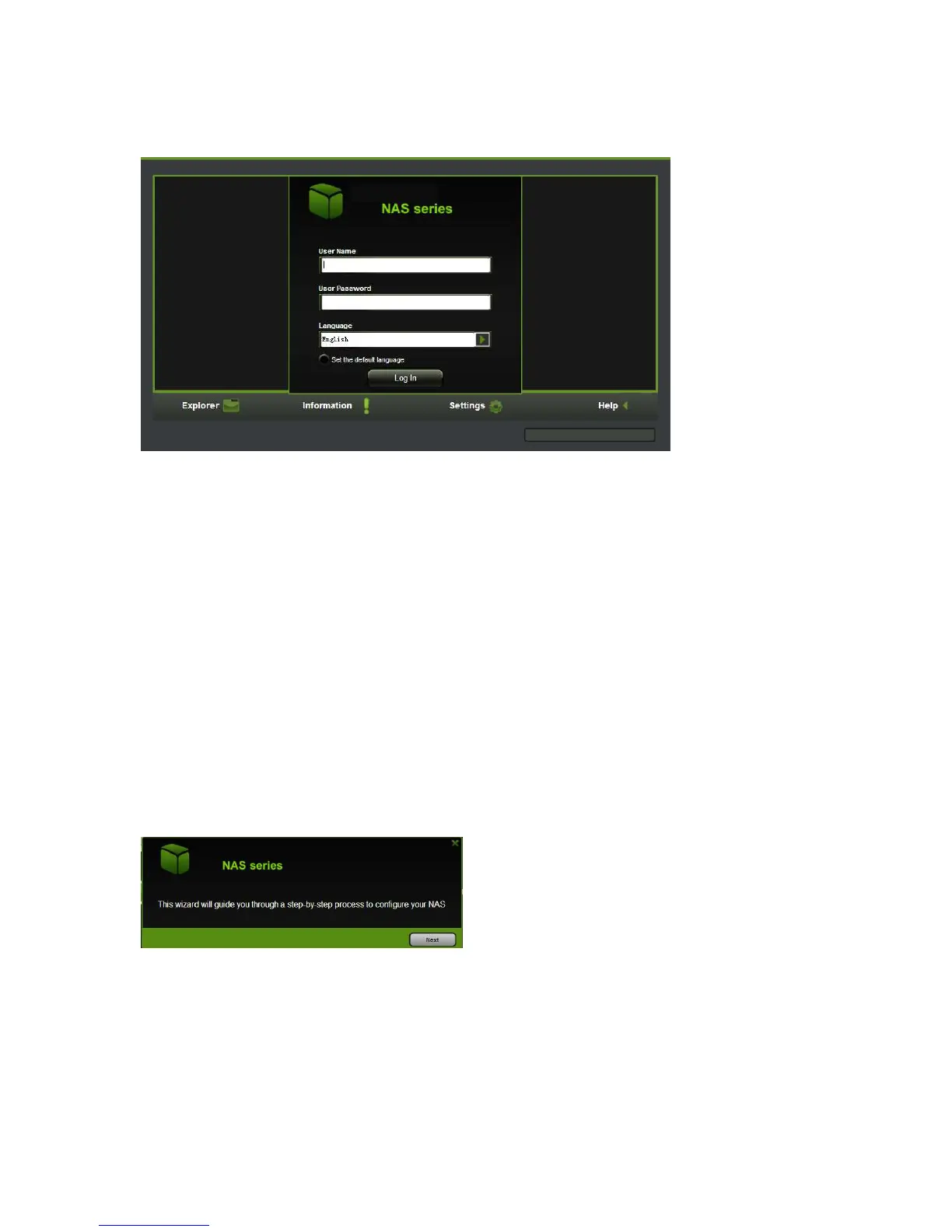
Type the default User Name “admin” and leave the User Password blank. Click on the
“Log In” button to access the Web Management Interface.
If you choose to click on the “My Storage” button, enter the admin login name and
password to gain access to the WiFi Docking Station. Once successfully logged-in, it
automatically mounts the storage area of the WiFi Docking Station onto your desktop
5.3. WiFi Docking Station Configuration Wizard
1. During the initial setup, the Wizard will automatically run and will guide you through
the process of configuring the WiFi Docking Station as seen on the screenshot below.
You can cancel this process by clicking on the “X” at the top right corner of the
window. If you cancel the Wizard, you will keep the factory default settings of your
device.



 To Next Page